Multi-Device Streaming UX
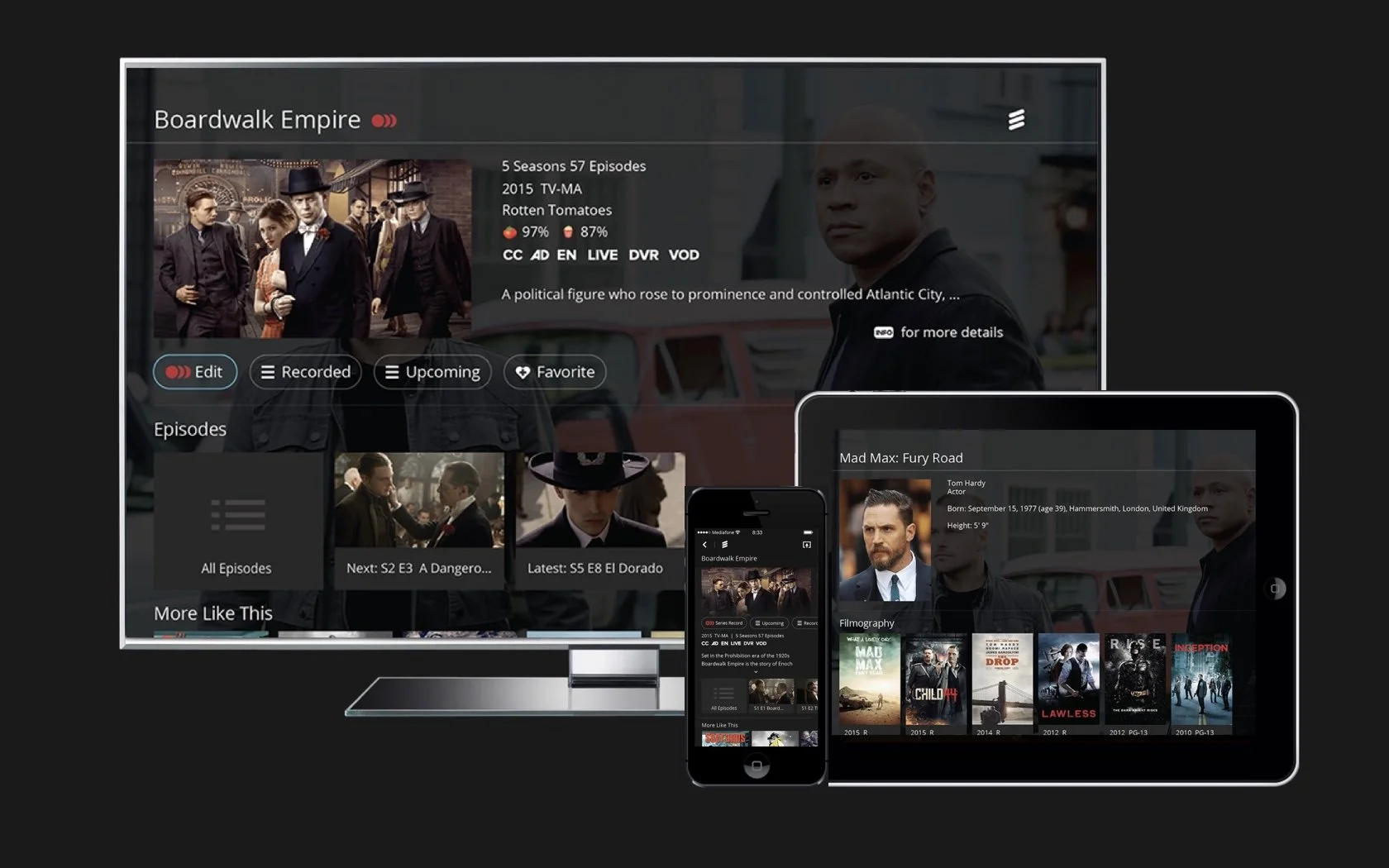
Designed a scalable TV platform across Ericsson TV, tablet, and mobile devices.
Overview
Role
Lead UX Design
Senior UX Designer
Designed future TV and video experiences for Ericsson Media First (Now MediaKInd)
As the primary designer, I led the redesign of the entire platform—transforming the UI, UX, layout, interactions, and every user flow, including rent, buy and the purchase experience. The scope was significant, requiring careful attention to both the overall experience and the many details that shape it.
Collaboration
Product Manager, Developers, Researcher, Visual Designers
Technology & Devices
TV (10’) Tablet & Mobile
MPEG-4 AVC, MPEG-2, HEVC
encoding & decoding
Problems
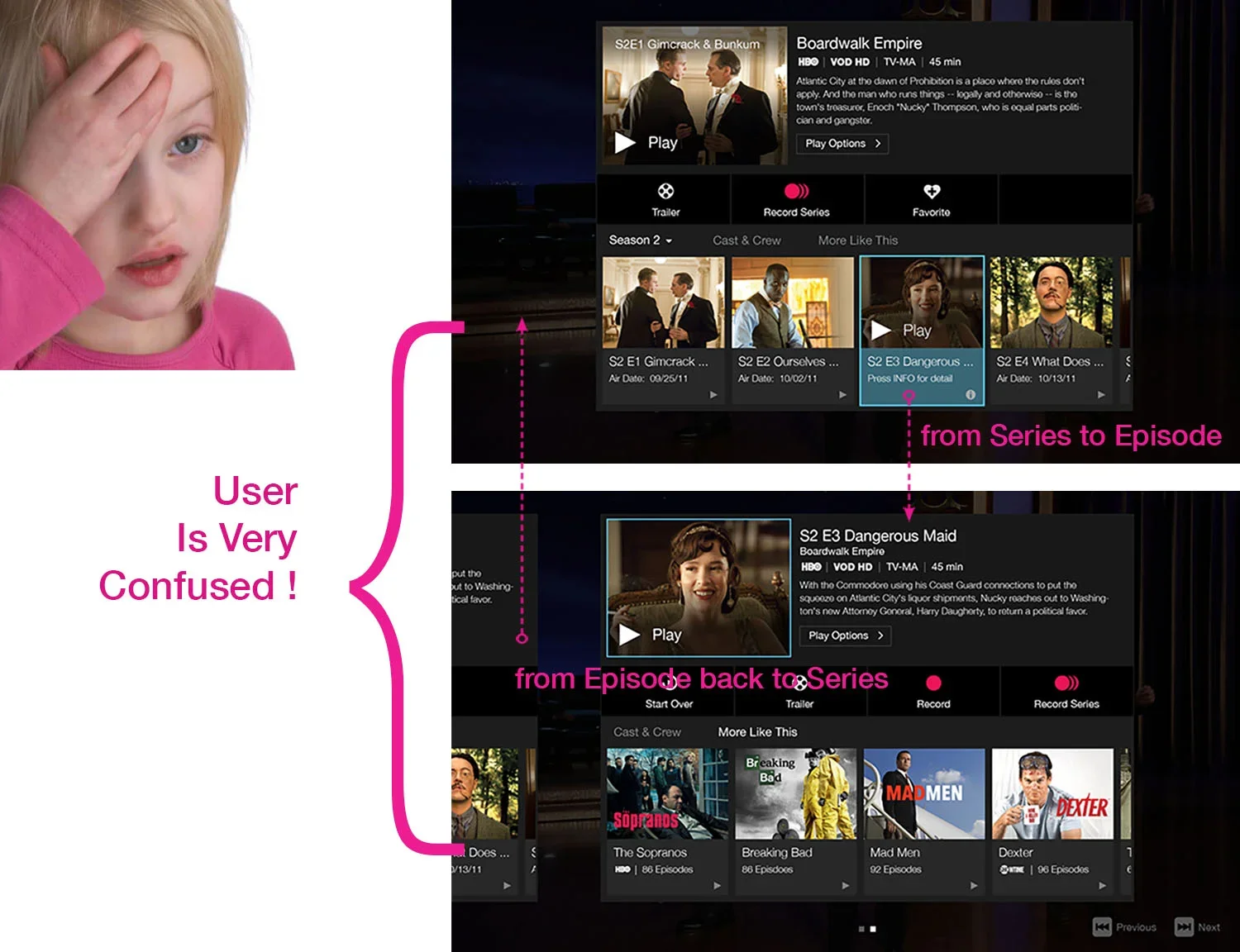
Ambiguous UI
Series and Episode modals looked nearly identical.
Disorienting Navigation
Users struggled to understand the content hierarchy.
Surface-Level Iterations
Multiple redesigns failed to address the core usability issues.
User Insights

Solo Viewer
Seeks quick, personalized discovery with minimal browsing effort.
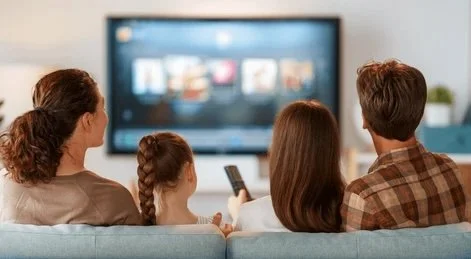
Family
Needs simple navigation and clear content cues for multiple ages.

Couple Viewers
Browse together and want quick ways to agree on what to watch.
User Journey
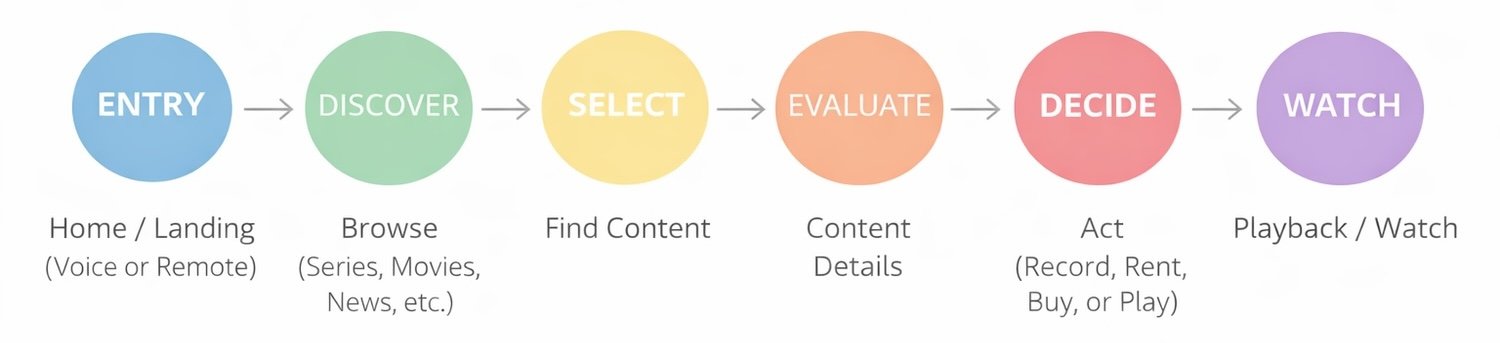
This journey illustrates how users move from content discovery to playback on a TV platform.
Each stage highlights key interaction points where clear hierarchy & navigation improve the viewing experience.
Opportunities
Redefine Content Hierarchy
Clarify the relationship between series and episodes to improve content discovery.
Simplify Navigation
Reduce cognitive load and enable more efficient browsing.
Build a Scalable UX Framework
Create a flexible system that supports consistent content exploration across the platform.
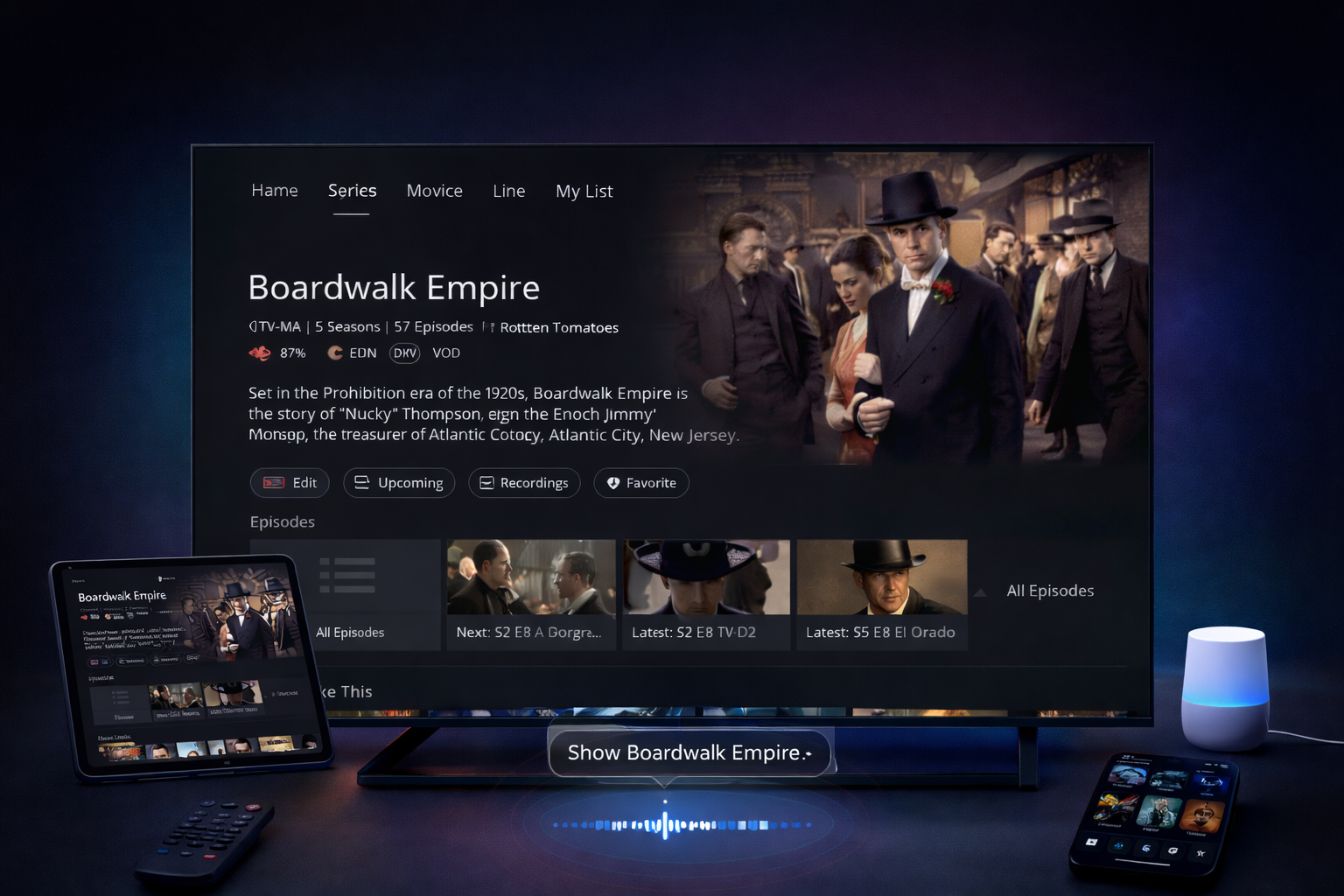
Enable Voice Discovery
Support hands-free search through voice and smart home integration
Design Principles
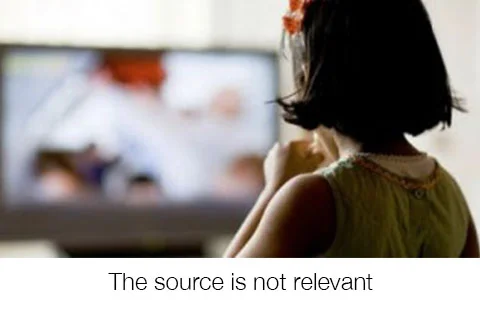
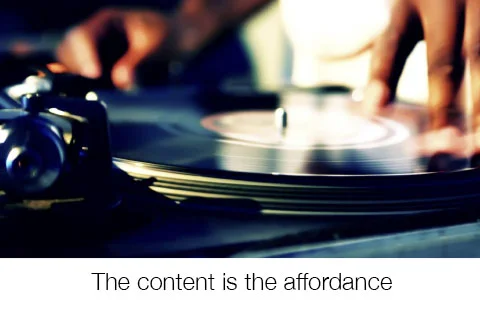
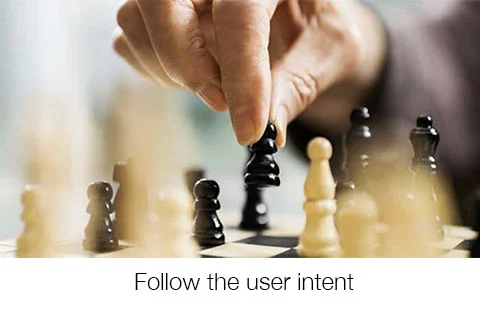
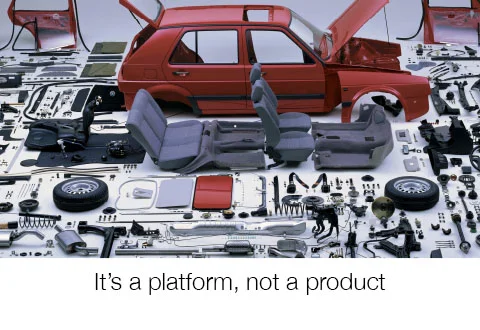
Crafted a platform experience where content and motion lead, the system follows user intent, and relevance matters more than origin.

Design Strategy
Universal
Accessible through remote control, voice, or on-screen keyboard, the experience works seamlessly across TV, tablet, and mobile—adapting naturally to each platform’s strengths.
Unified
Consistent patterns and behaviors across devices allow users to transfer their knowledge effortlessly, creating a familiar and cohesive experience wherever they interact.
Contextual
Experiences adapt to user intent and moment. Results dynamically surface relevant content: movies, series, episodes, or news, anticipating what users need next.
Personalized
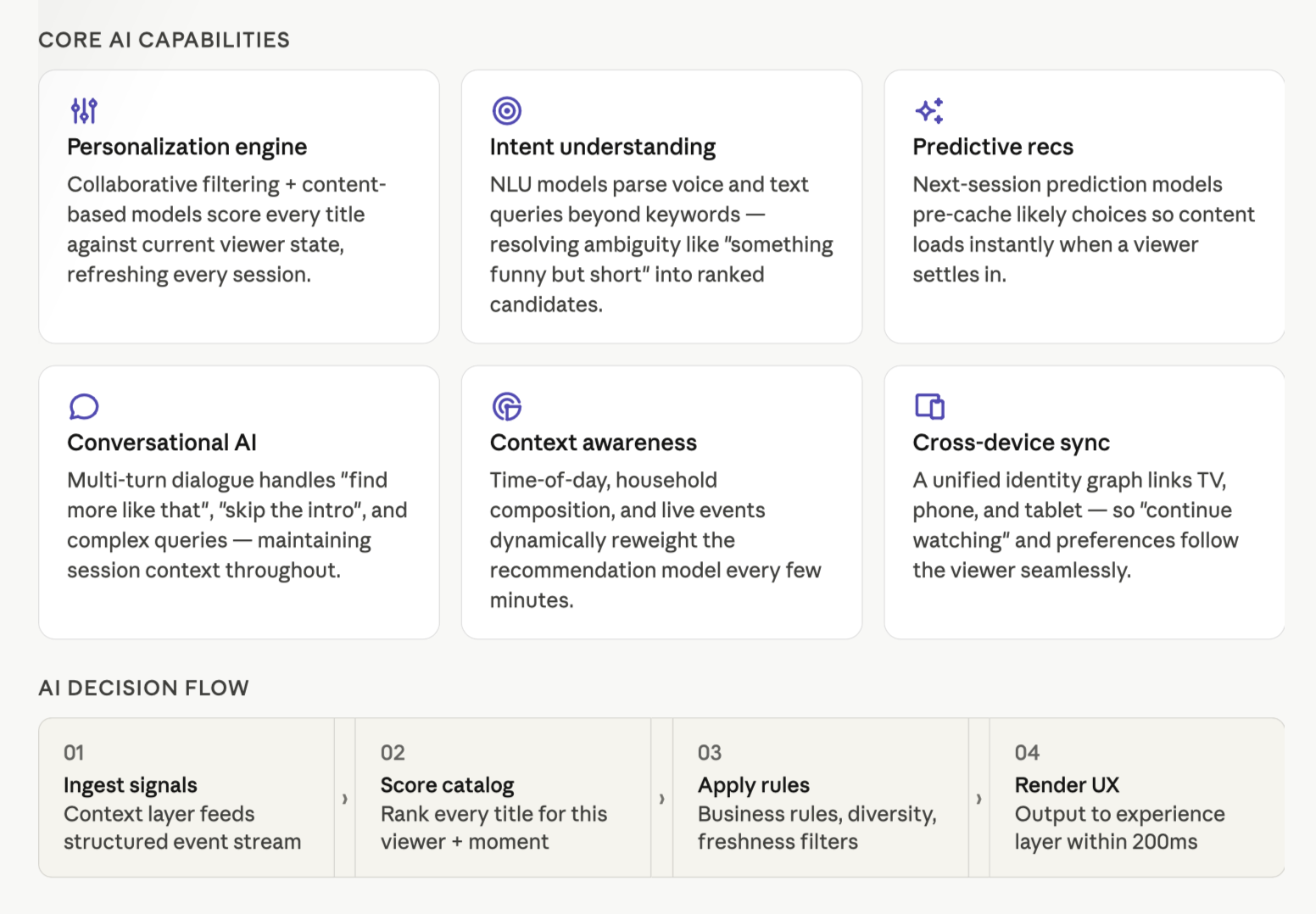
The system learns from viewing history, search behavior, and preferences to tailor results, highlighting owned content, continuing playback, and automatically filtering mature content for family-friendly environments.
Intelligent
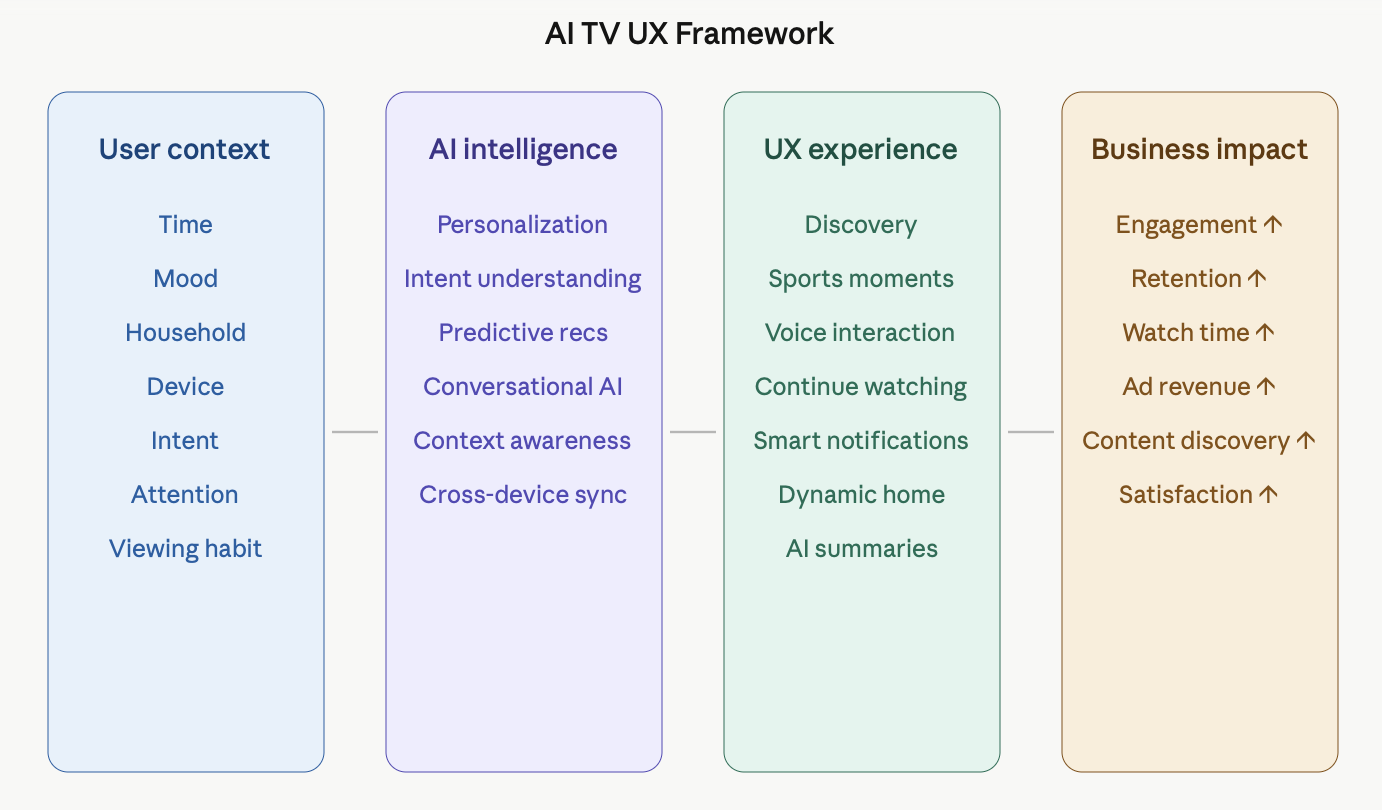
Machine learning simplifies complexity. Even vague queries like “TCruz” can resolve to Tom Cruise, while knowledge panels surface key facts, films, and related content instantly.
TV Platform Architecture &
Entry Methods
Information
Architecture
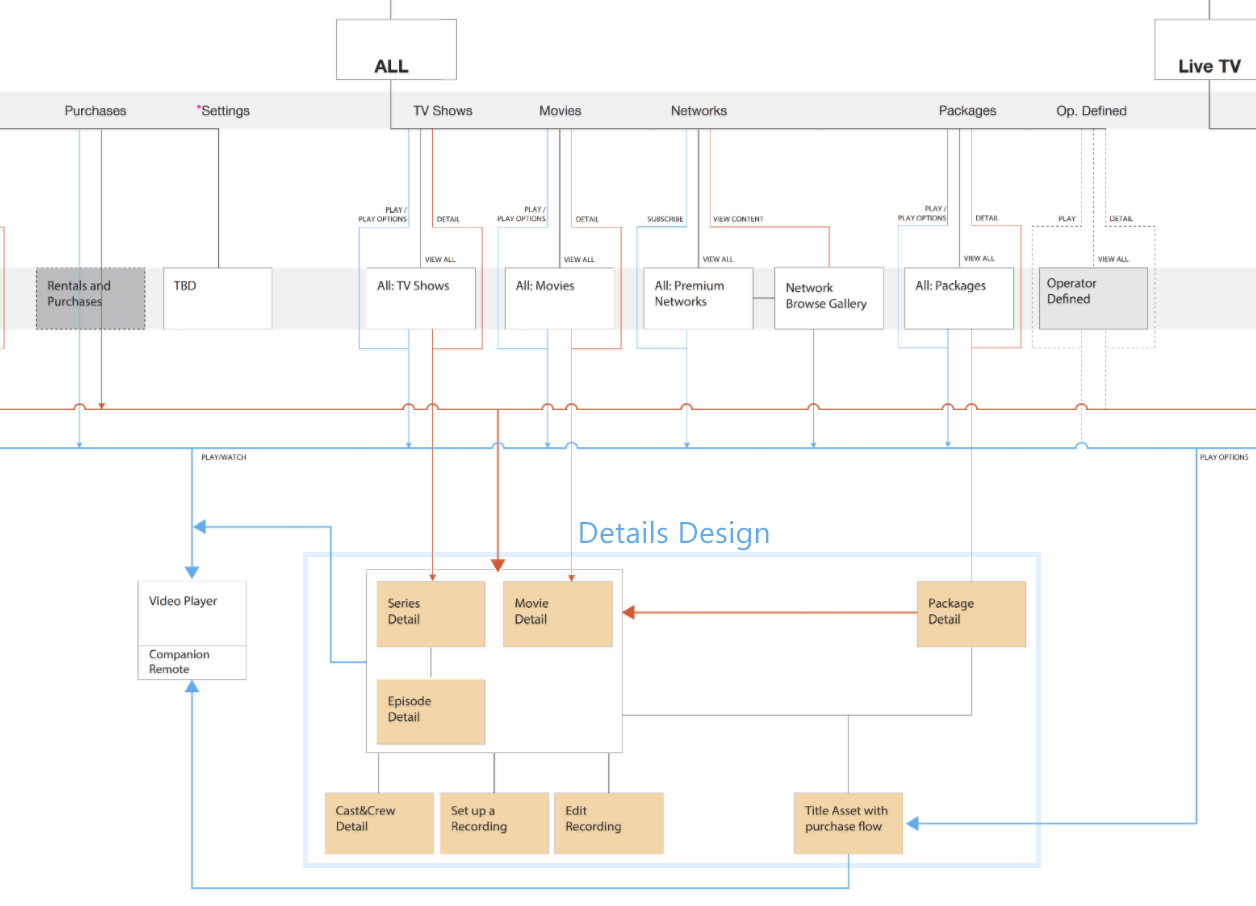
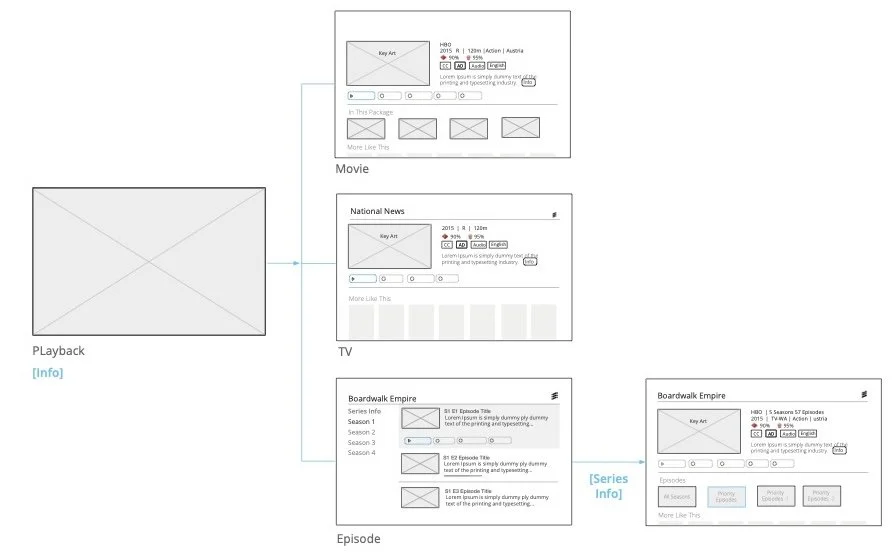
Defined a clear system architecture enabling users to reach key content details from any device—TV, tablet, or mobile—and from multiple entry points such as movies, series, or news.
Collaborated with system engineers to design a consistent navigation hierarchy supporting voice, on-screen keyboard (OSK), and remote control inputs.
I had a set of product design principles inspired by Maslow’s hierarchy of needs, extending the original guidelines. These principles guided the system architecture, UX framework, and interaction design, ensuring user needs were addressed at every level across TV, tablet, and mobile platforms.
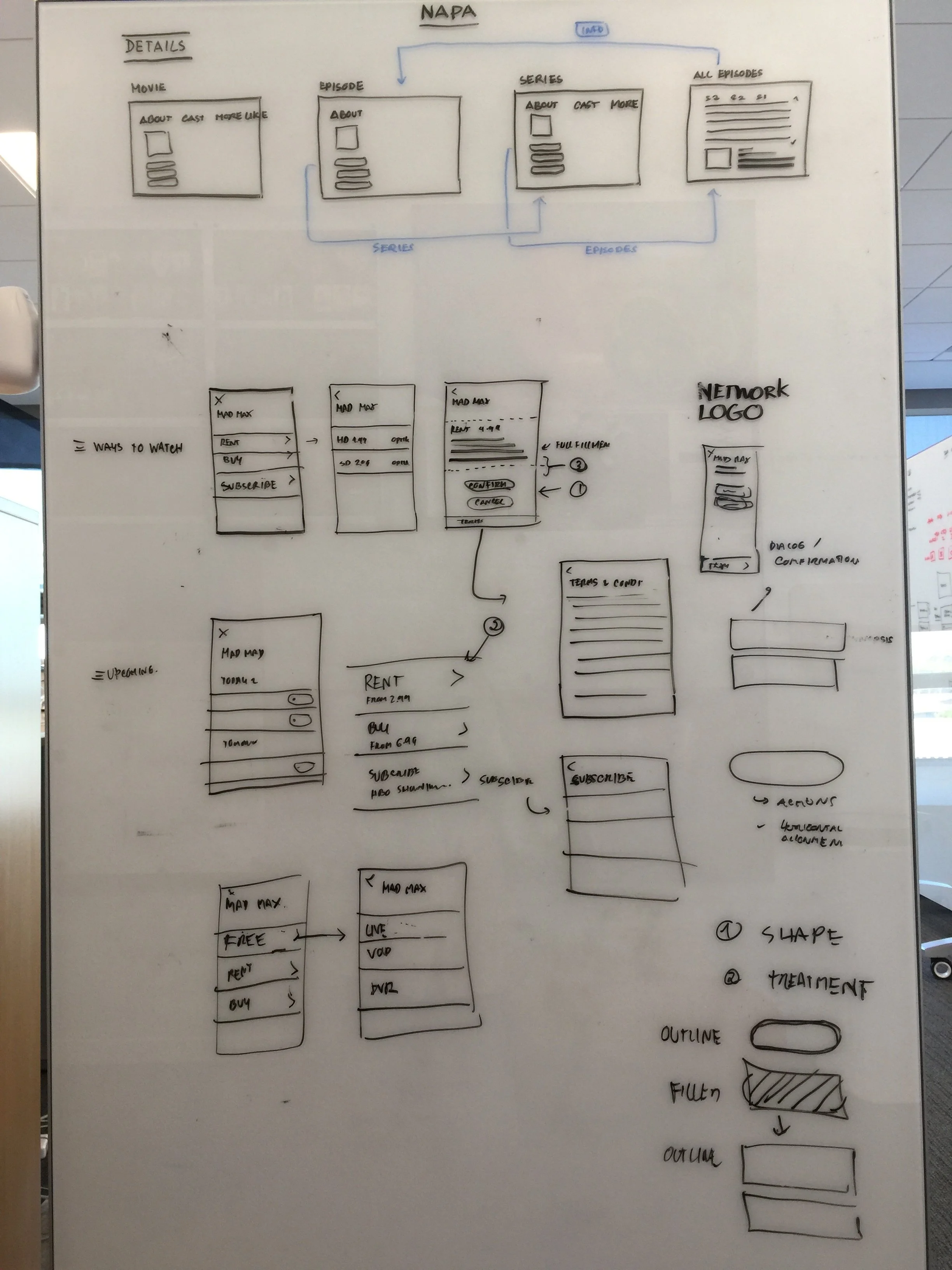
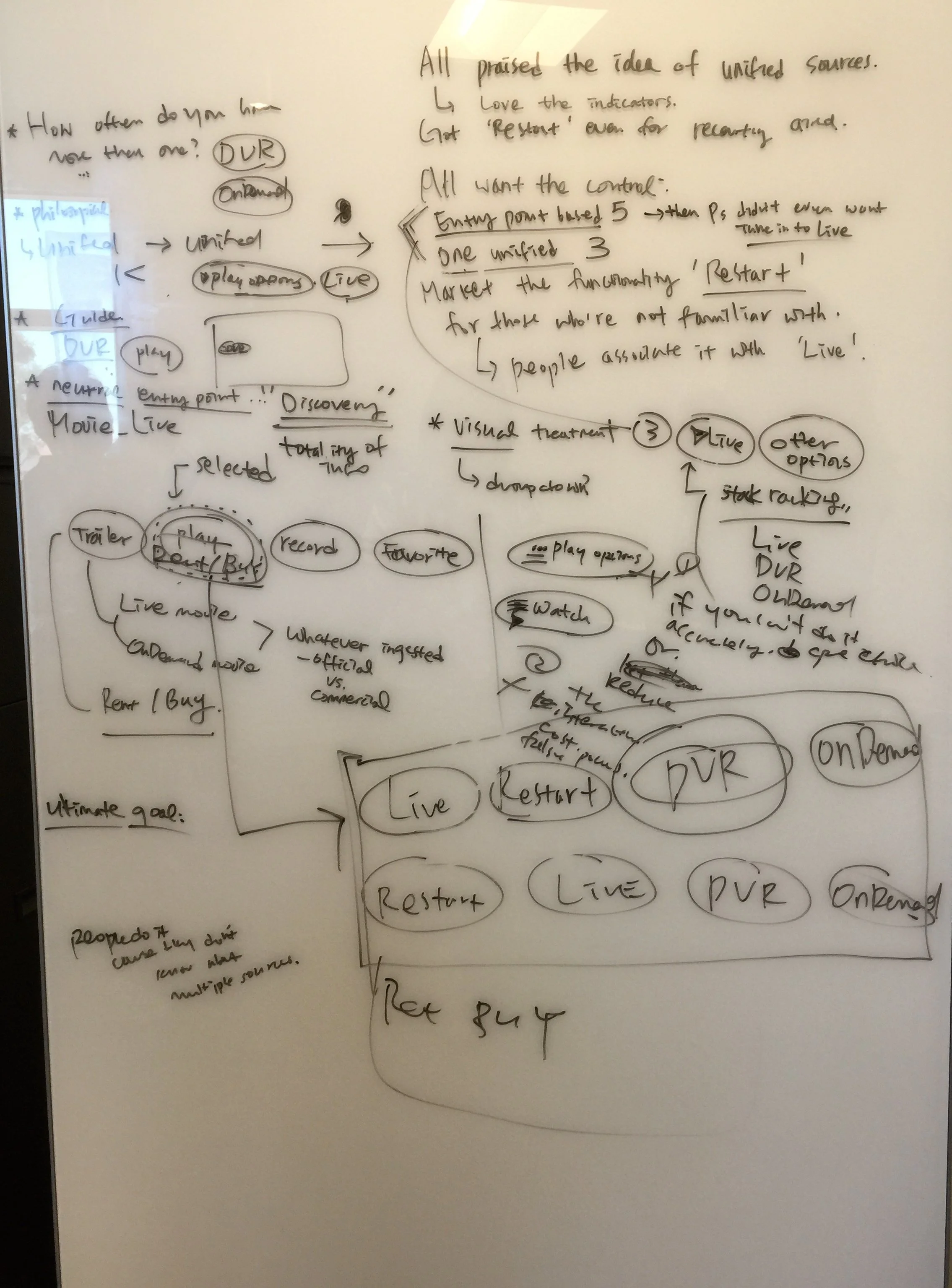
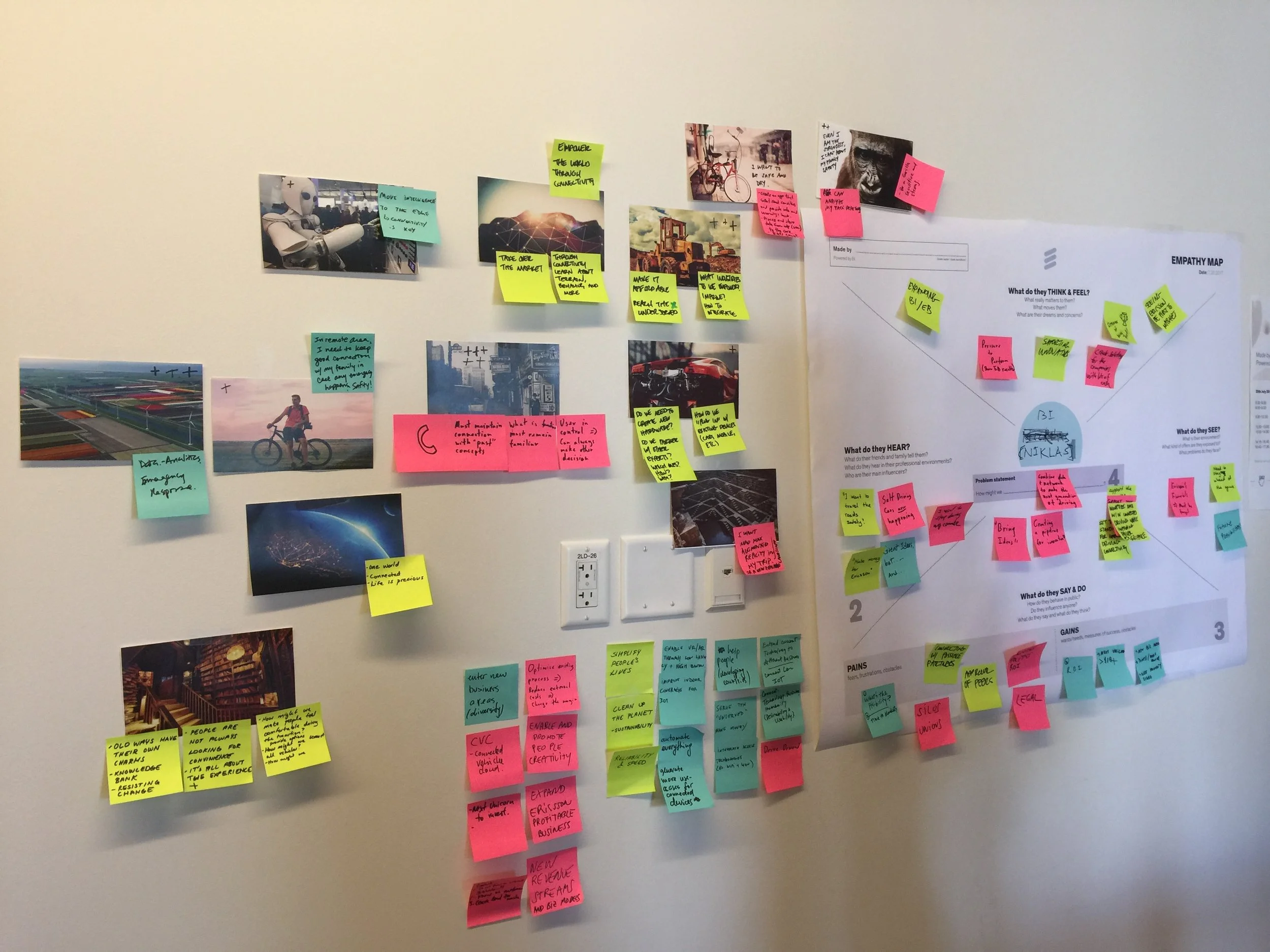
Collaborative Ideation
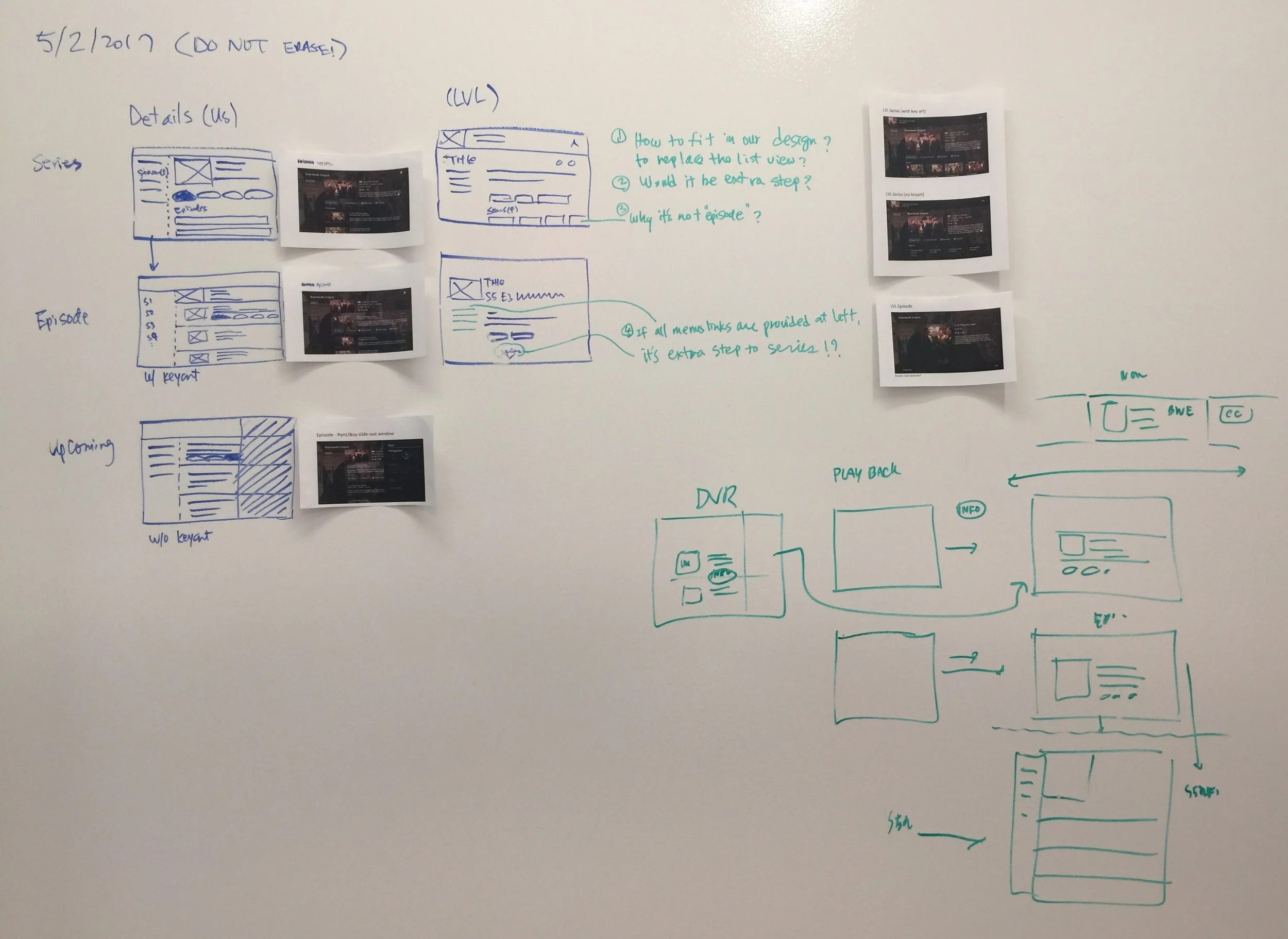
I collaborated closely with cross-functional teams through daily discussions and white-boarding sessions to share ideas, address challenges, and refine solutions.
These collaborative working sessions helped visualize thinking, align design, engineering, and product perspectives, and quickly move from concepts to actionable design directions.
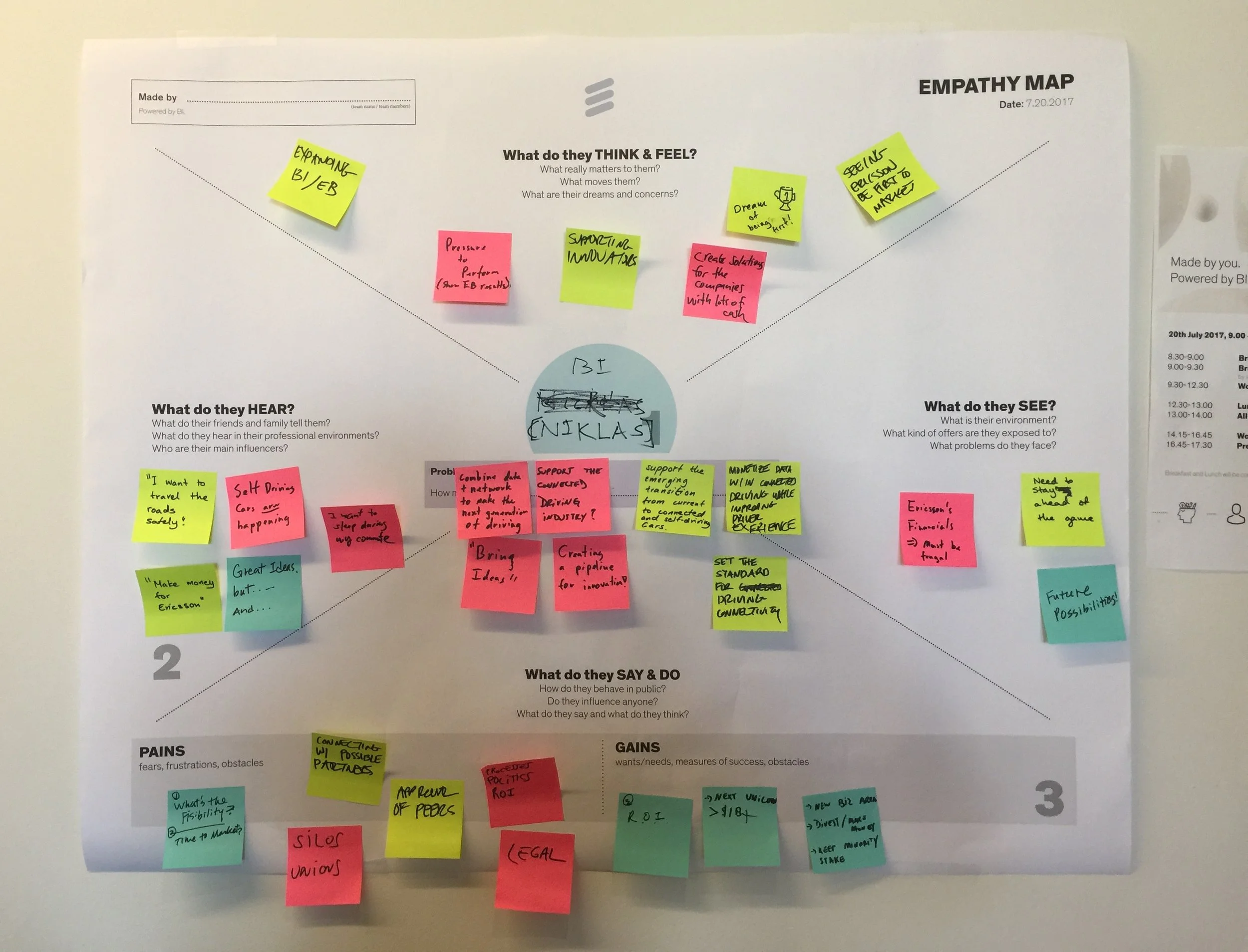
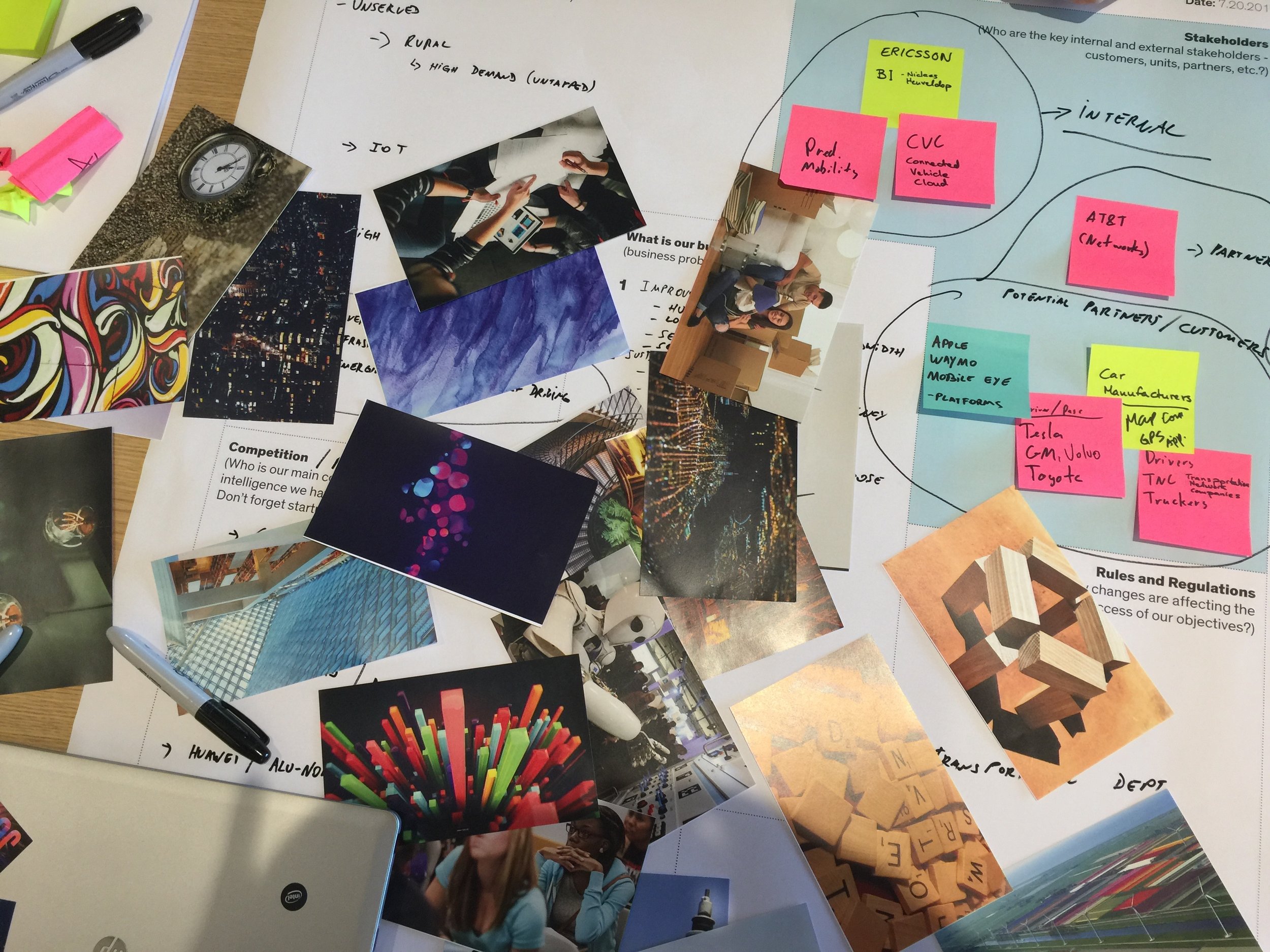
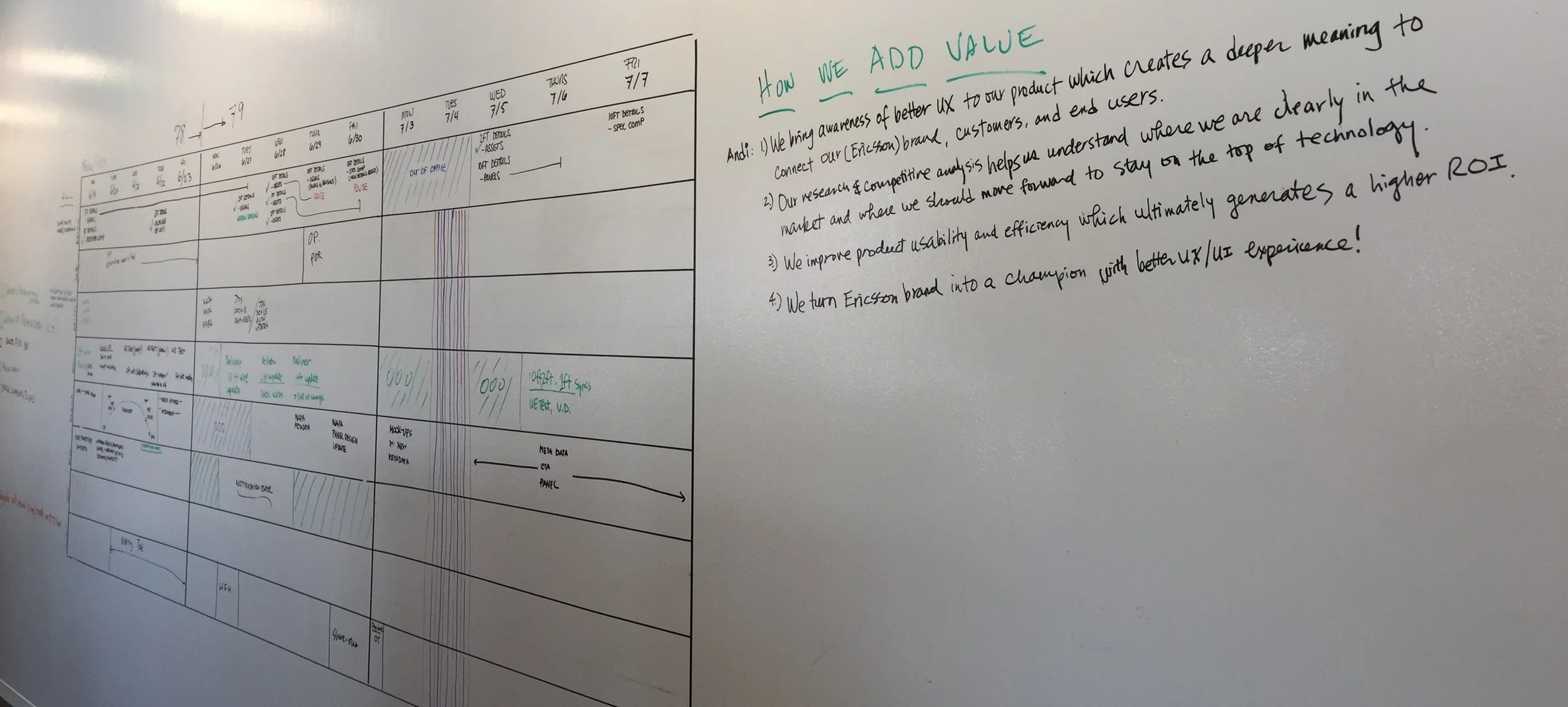
Project Scope & Agile Delivery
The work followed a bi-weekly agile sprint cycle, enabling rapid iteration and close collaboration with the Ericsson TV team. Regular design reviews supported continuous refinement and alignment.
Research and usability testing revealed key opportunity areas and established a strategic foundation. From these insights, I applied the design principles to guide the redesign and inform every design decision.
Product Improvement
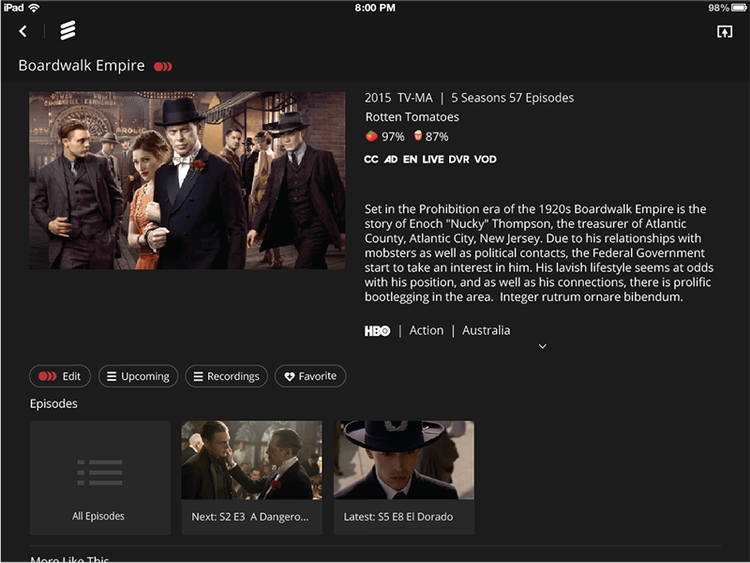
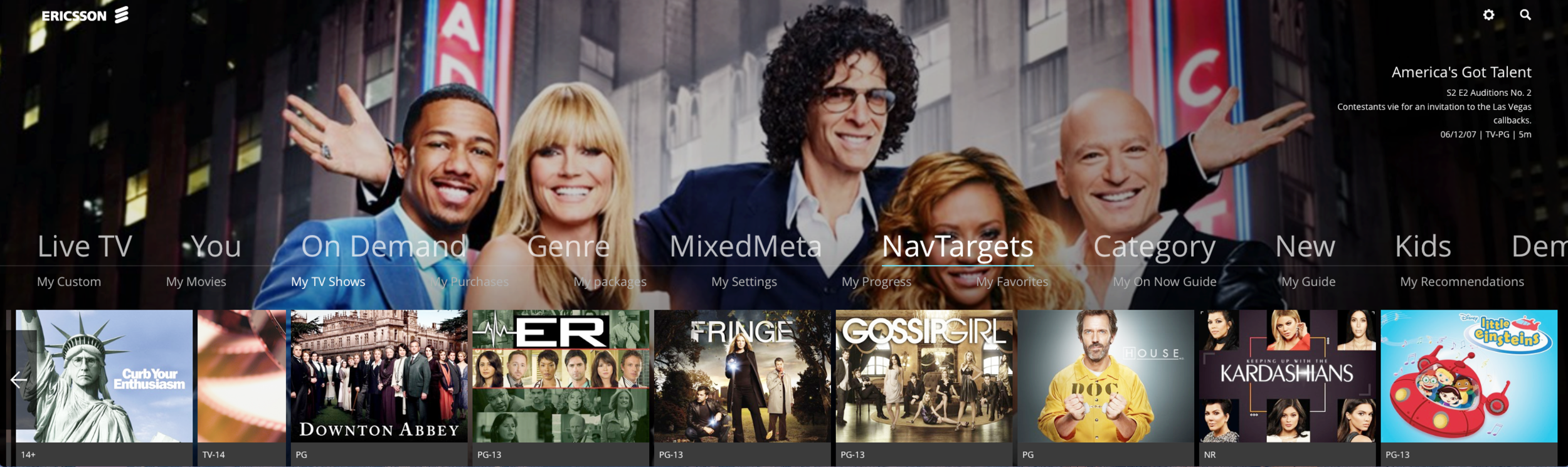
Navigation
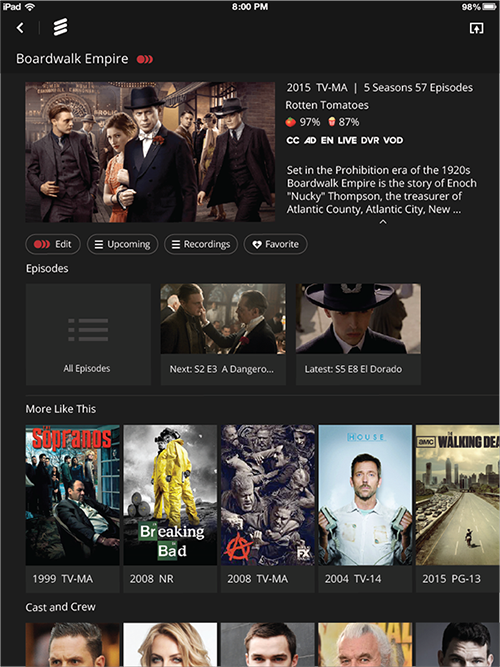
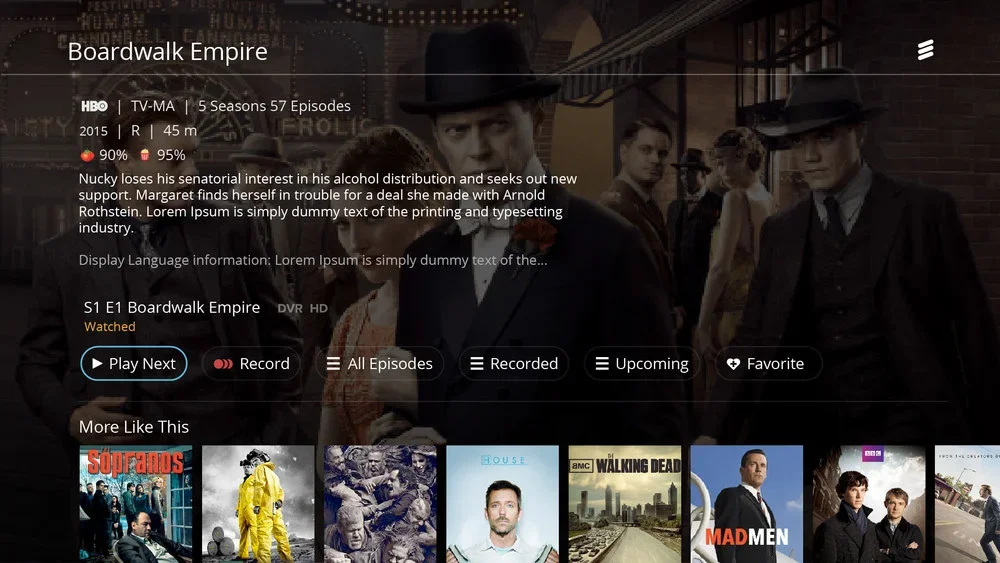
I reimagined the navigation framework to make complex, multi-level content easy to browse—series on the left and episodes in the primary content area—scaling seamlessly for infinite content streams like news.
Card aspect ratio
Responsive Design
on tablet
Customization
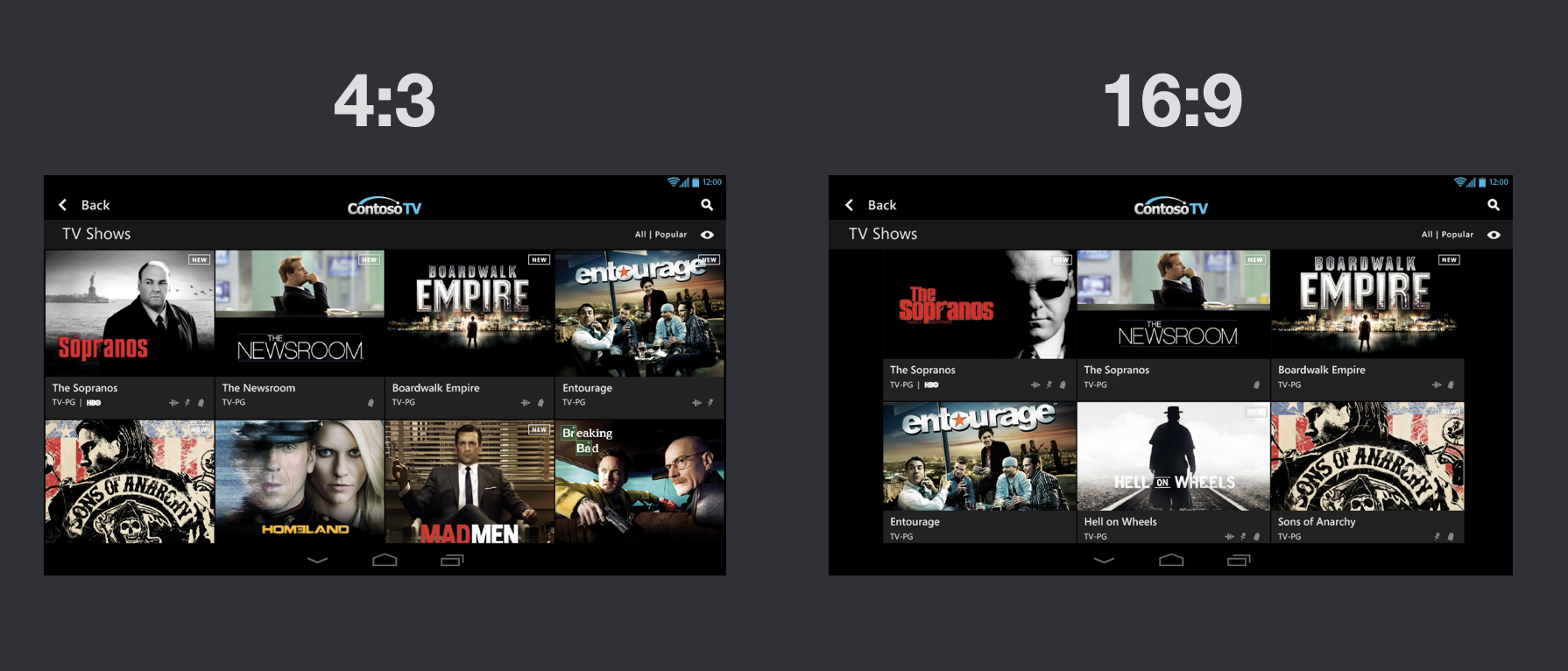
4:3 We chose a 4:3 card aspect ratio to optimize poster grids and improve scan-ability in landscape view.
(16:9 is wider and flatter, making images harder to scan at a glance.)
In portrait view, key art scales down 10% to maintain consistent typography and layout.
Modular design allows customers to customize the interface and create their preferred look and feel.
Search Improvement
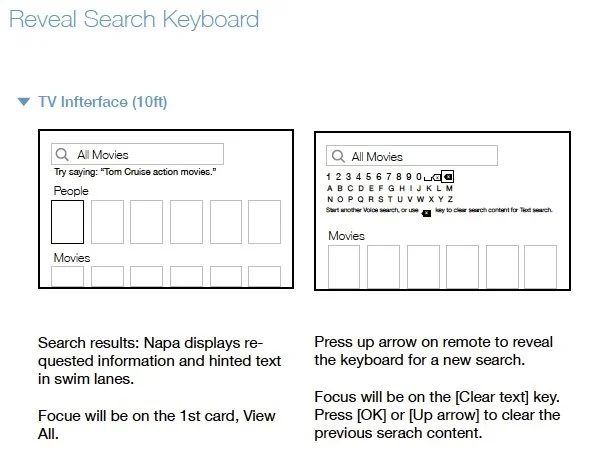
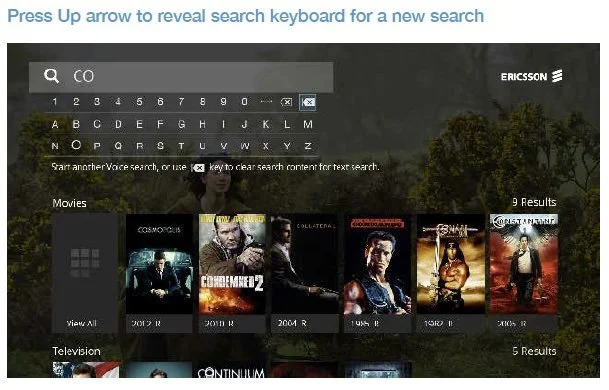
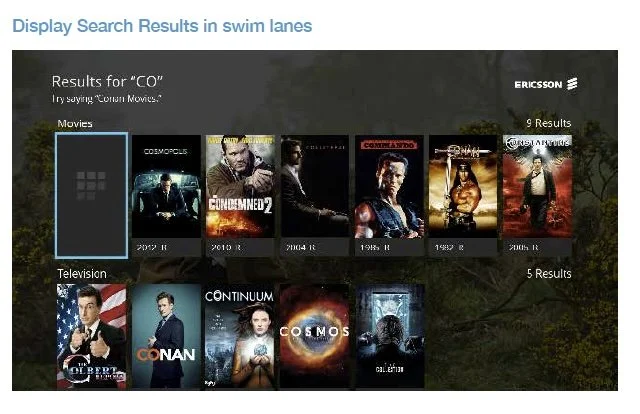
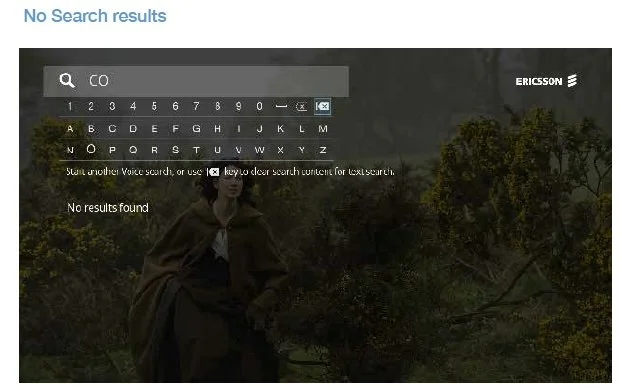
Search results surface relevant content and suggested queries within structured swim lanes.
Users can quickly access the on-screen keyboard via the remote to refine or start a new search.
Iteratioin
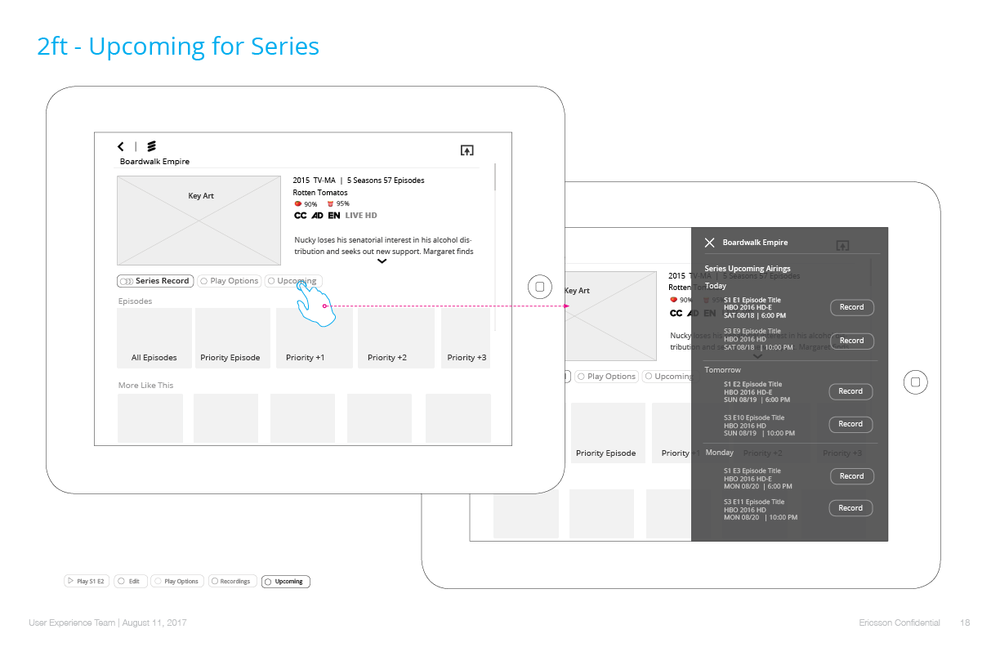
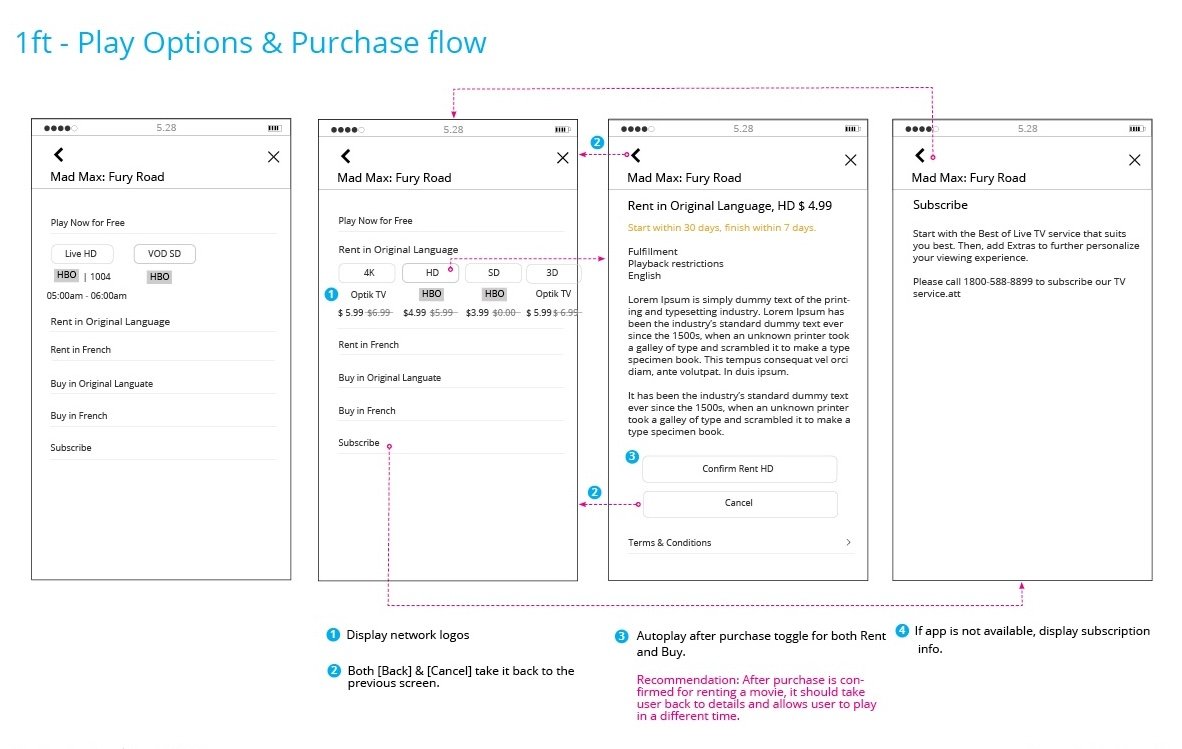
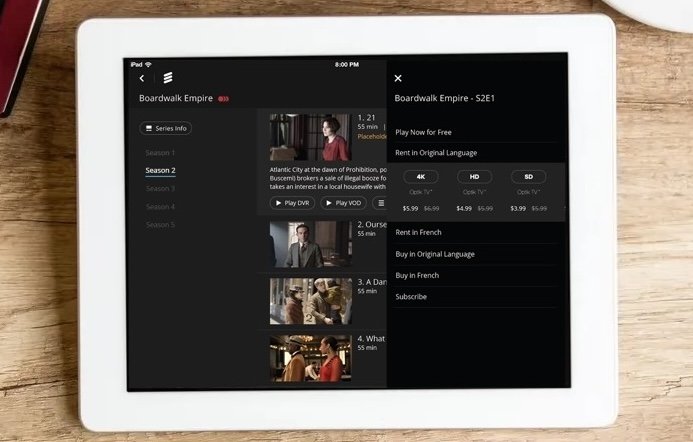
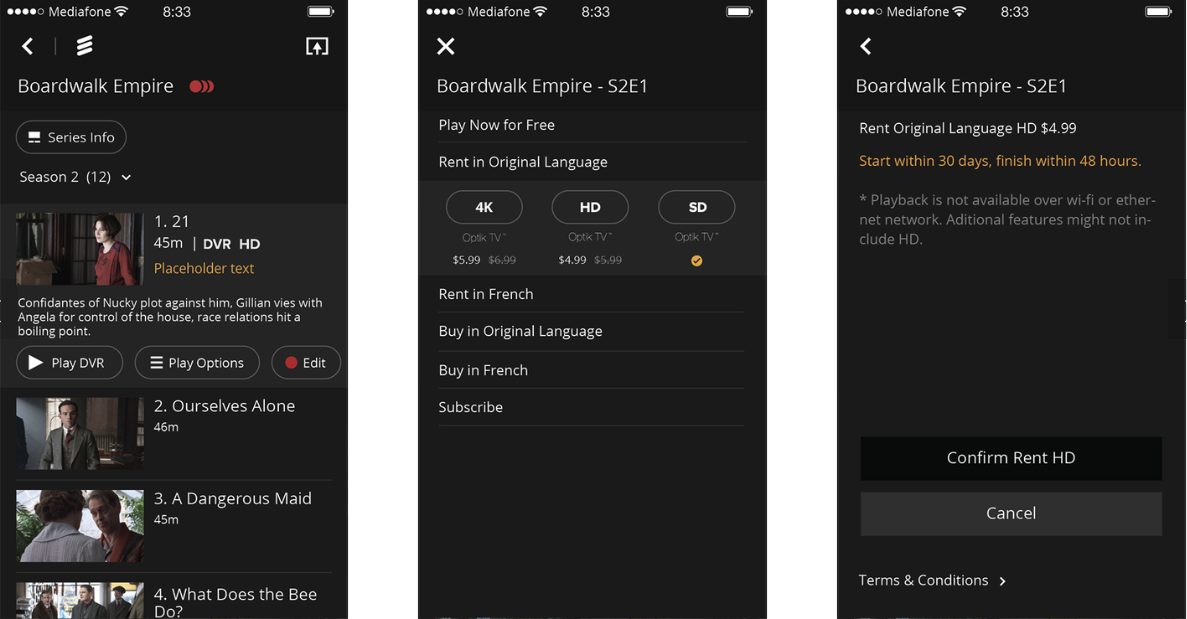
I introduced a slide-out panel that works seamlessly across devices, revealing additional space for purchase flows and playback options without disrupting the viewing experience.
Slide out panel for playback options on TV & Tablet
Responsive Design on Mobile
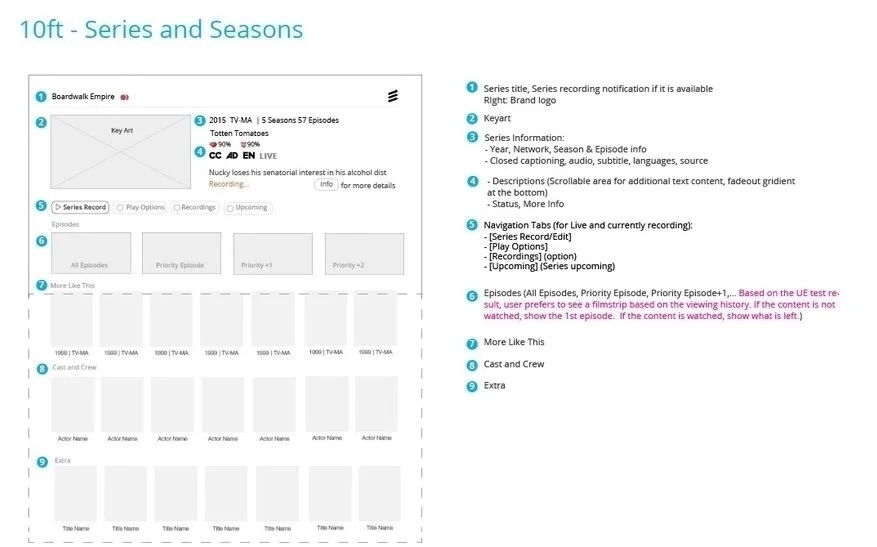
Before → After Transformation
Bringing the Vision to Life: From early wireframes to refined visual design, the product vision
was successfully realized. The result is a cohesive cross-device experience across
TV, tablet, and mobile, ensuring consistency and usability at every touchpoint.
Wireframe
Production
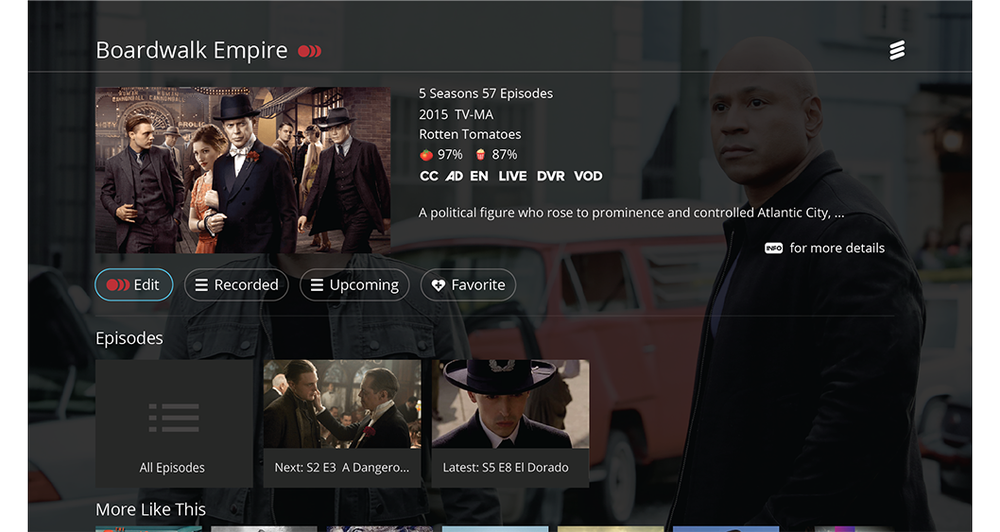
SUCCESSFULLY
LAUNCHED!
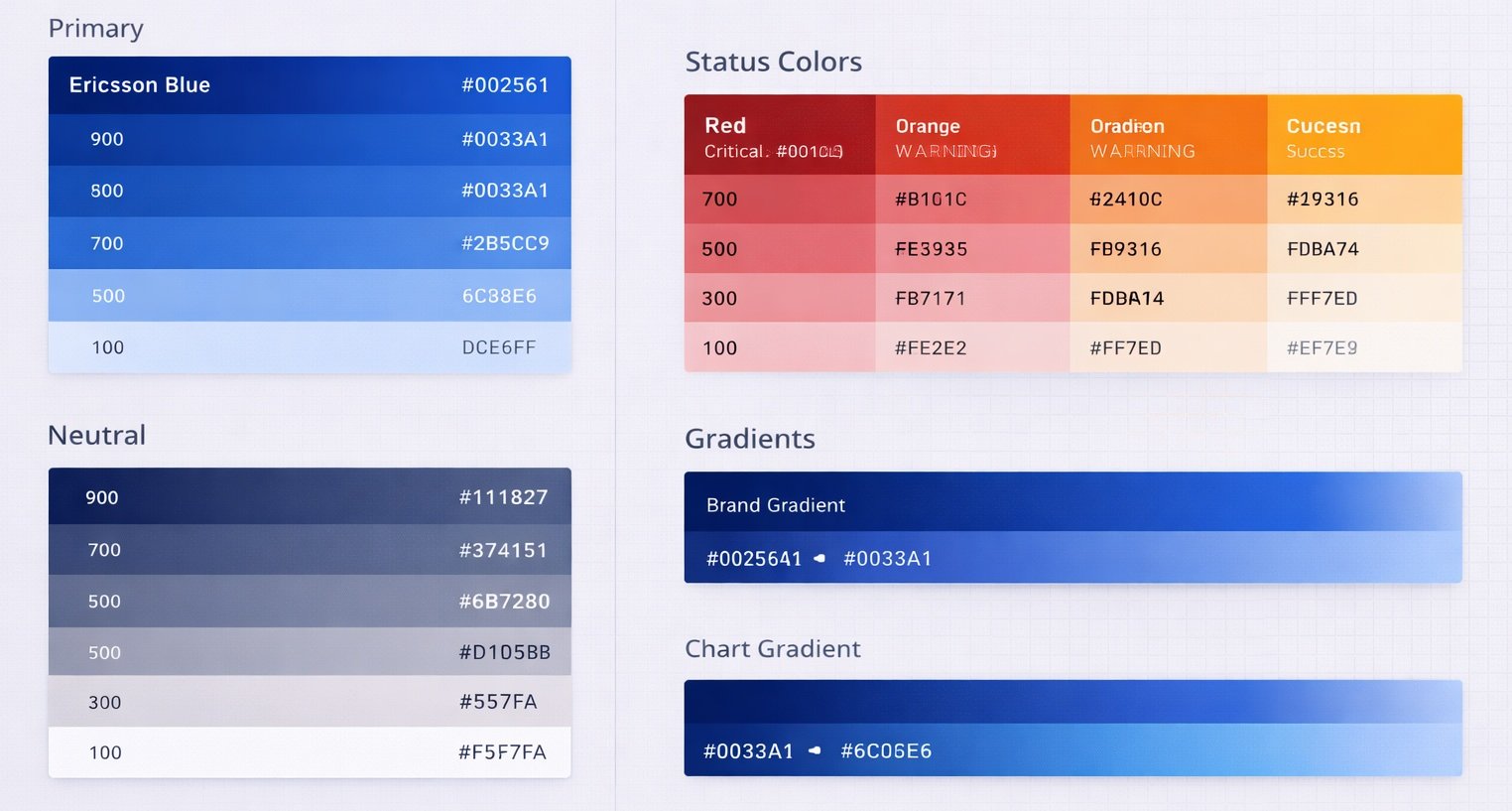
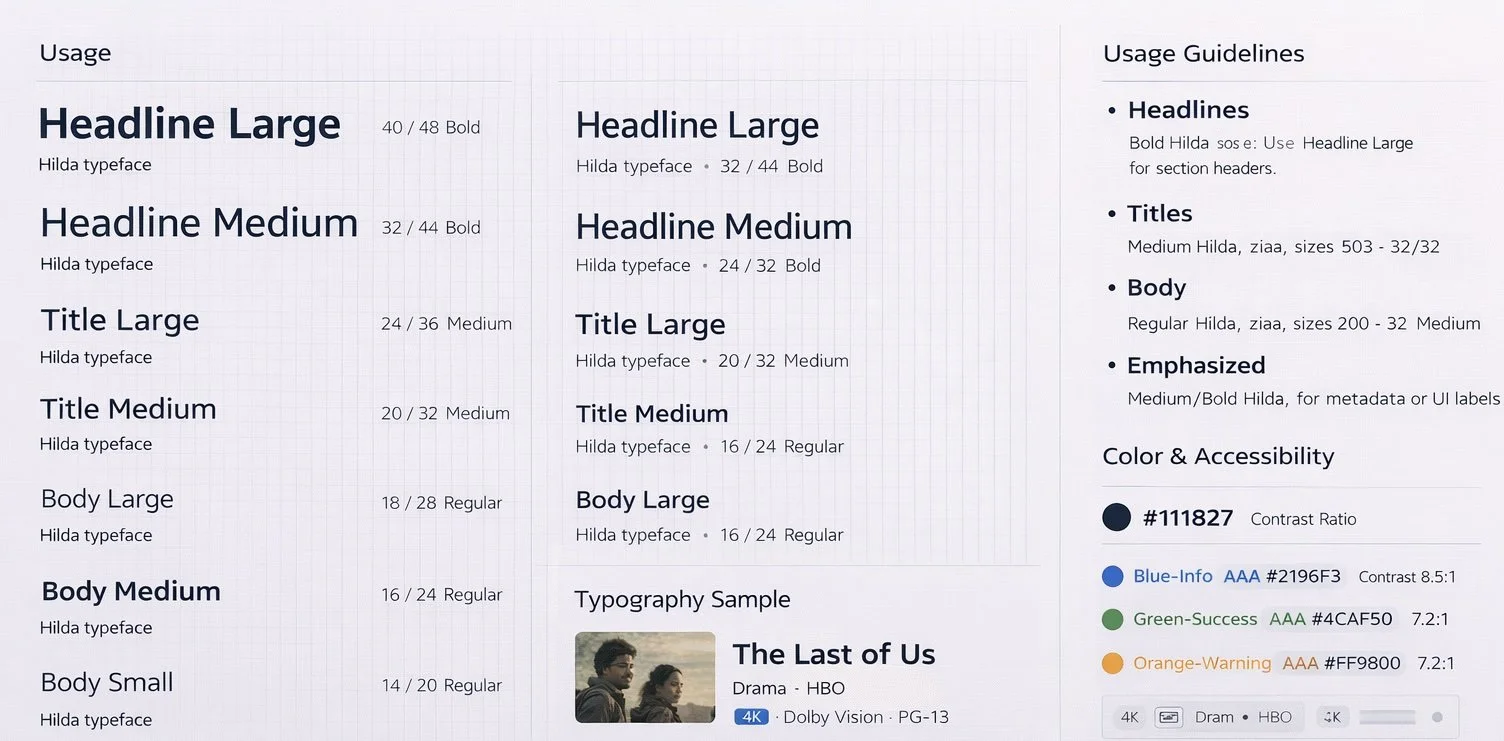
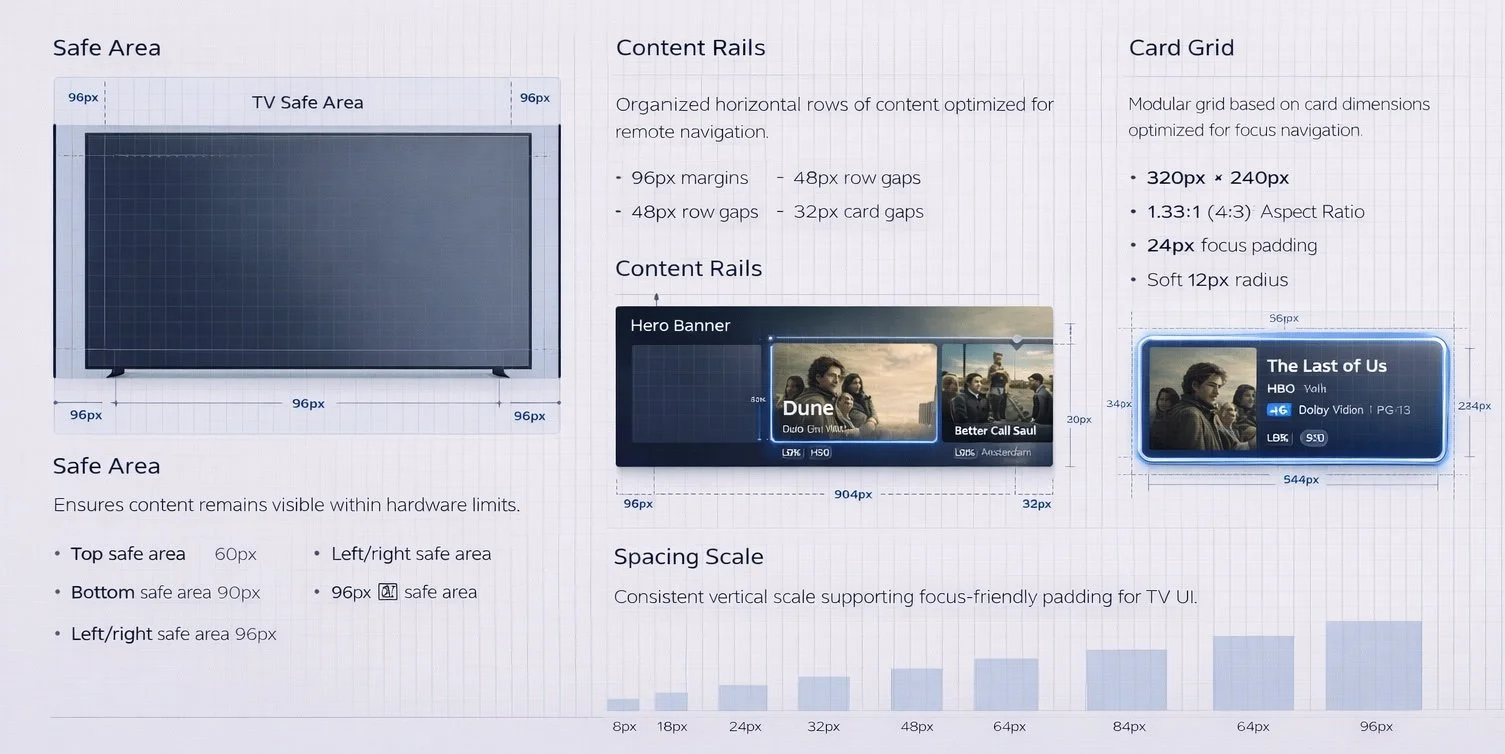
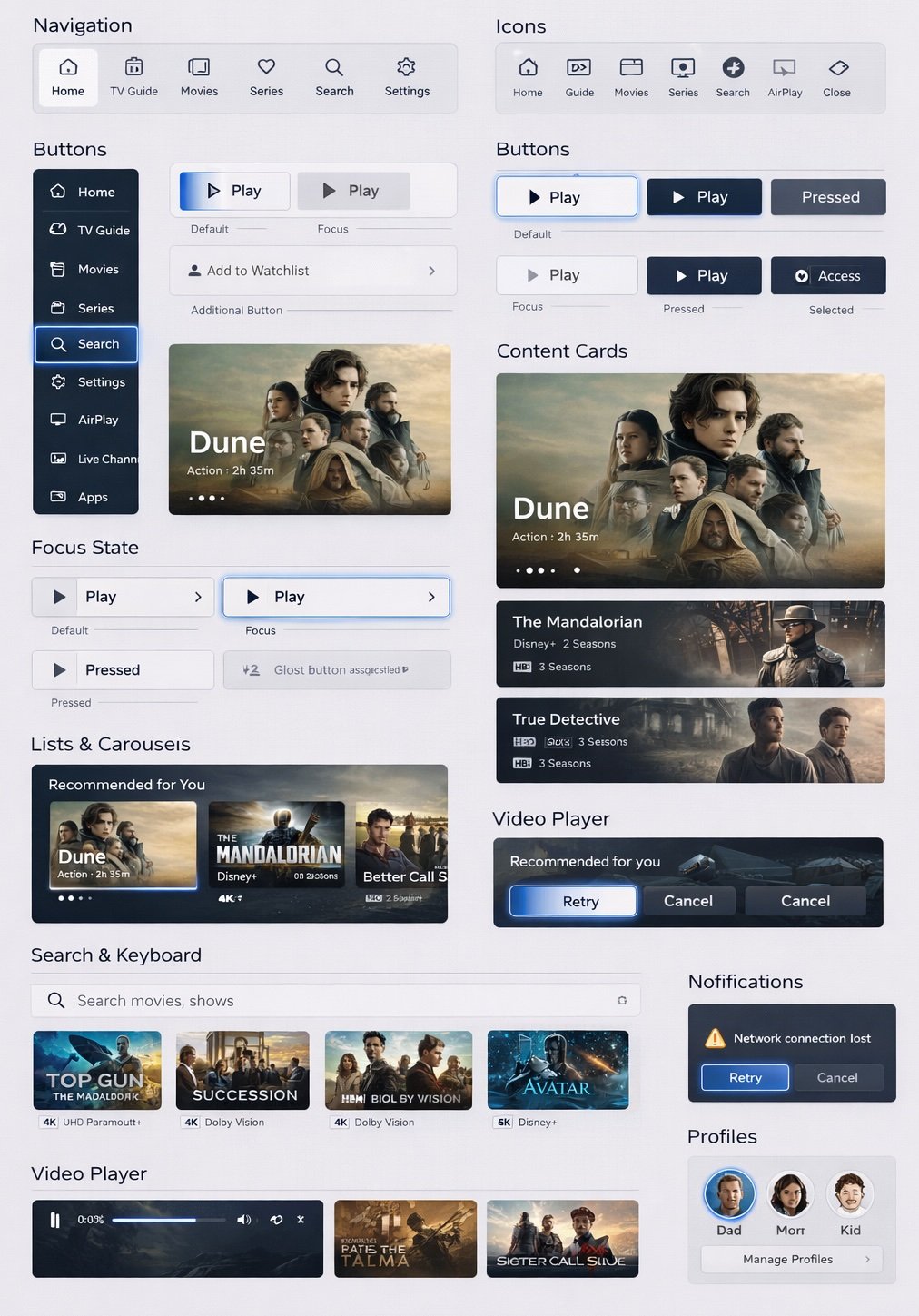
Comprehensive Design System
Enable Intelligent Discovery
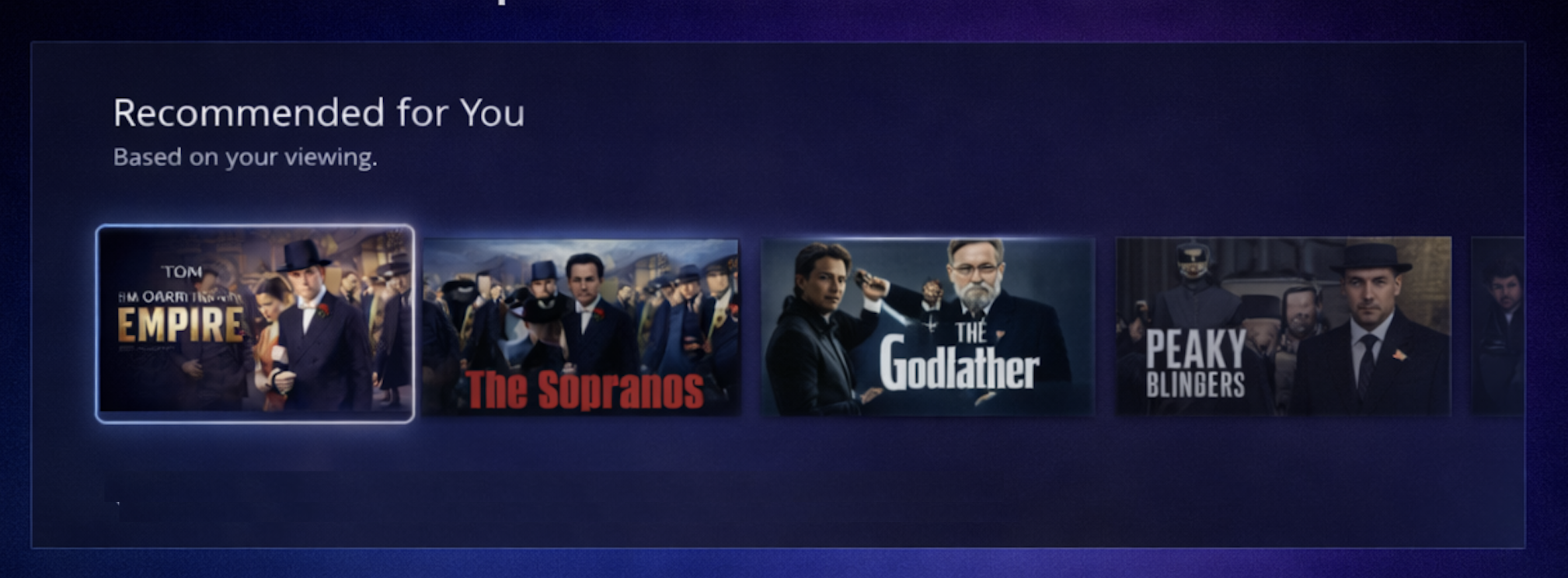
Intelligent recommendations
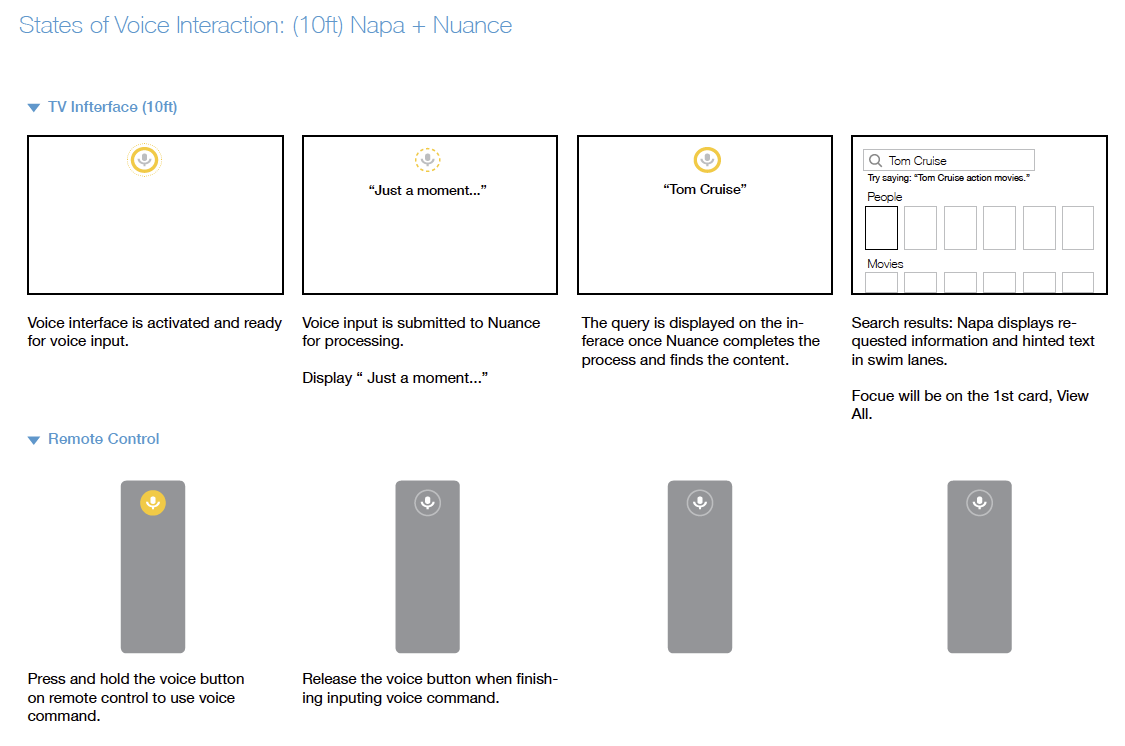
Voice query understanding (e.g., “Play Tom Cruise movies”)
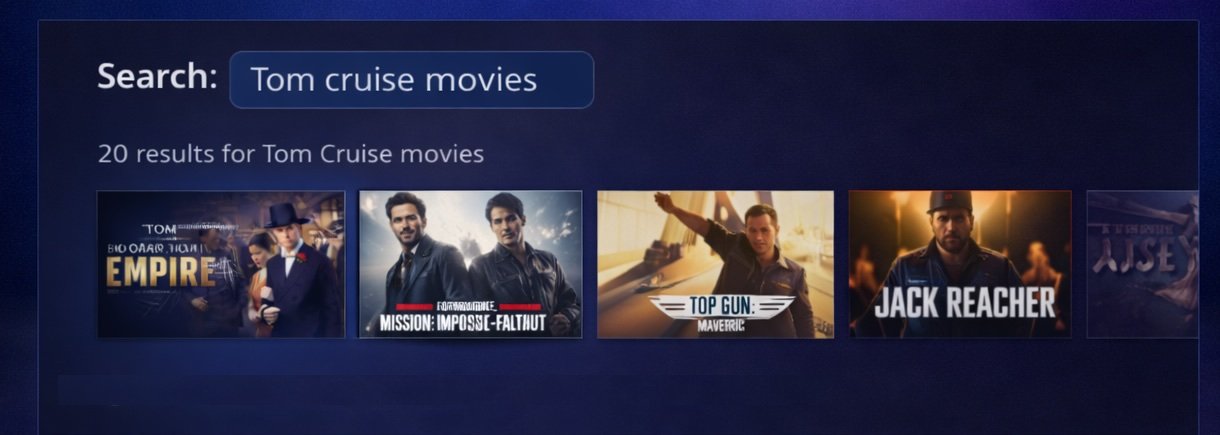
Voice-Enabled Content Search
Users can search for programs using natural voice commands.
The feature accelerates discovery and simplifies navigation across the TV platform.
Accessibility Design
Accessibility is integrated throughout my design process. I ensure visual contrast and readable typography (TV interfaces require larger type, simplified navigation, and remote-control accessibility), design keyboard-navigable interactions, support screen readers through proper semantics, and create touch targets that accommodate motor accessibility. I also consider motion sensitivity and cognitive load. At a systems level, I incorporate accessibility standards into design systems so products remain accessible as they scale.
AI Recommendations
Prototyping & UsabilityTesting
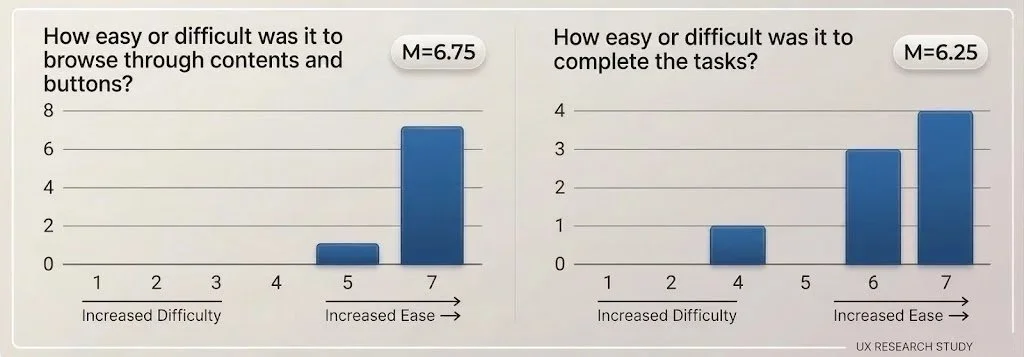
Insights from testing informed minor refinements. Overall, participants found Unified Details intuitive, easy to navigate, and more user-friendly than comparable products.
Most could complete core tasks efficiently, though some frustration arose around metadata labeling, button labels, and content prioritization.
Based on my designs, we created interactive prototypes across devices, covering the new layout, navigation models, and flows. We tested these with diverse user groups to evaluate usability and gather feedback.
High User Satisfaction: Evaluating Interaction Smoothness
Key Experience Improvements
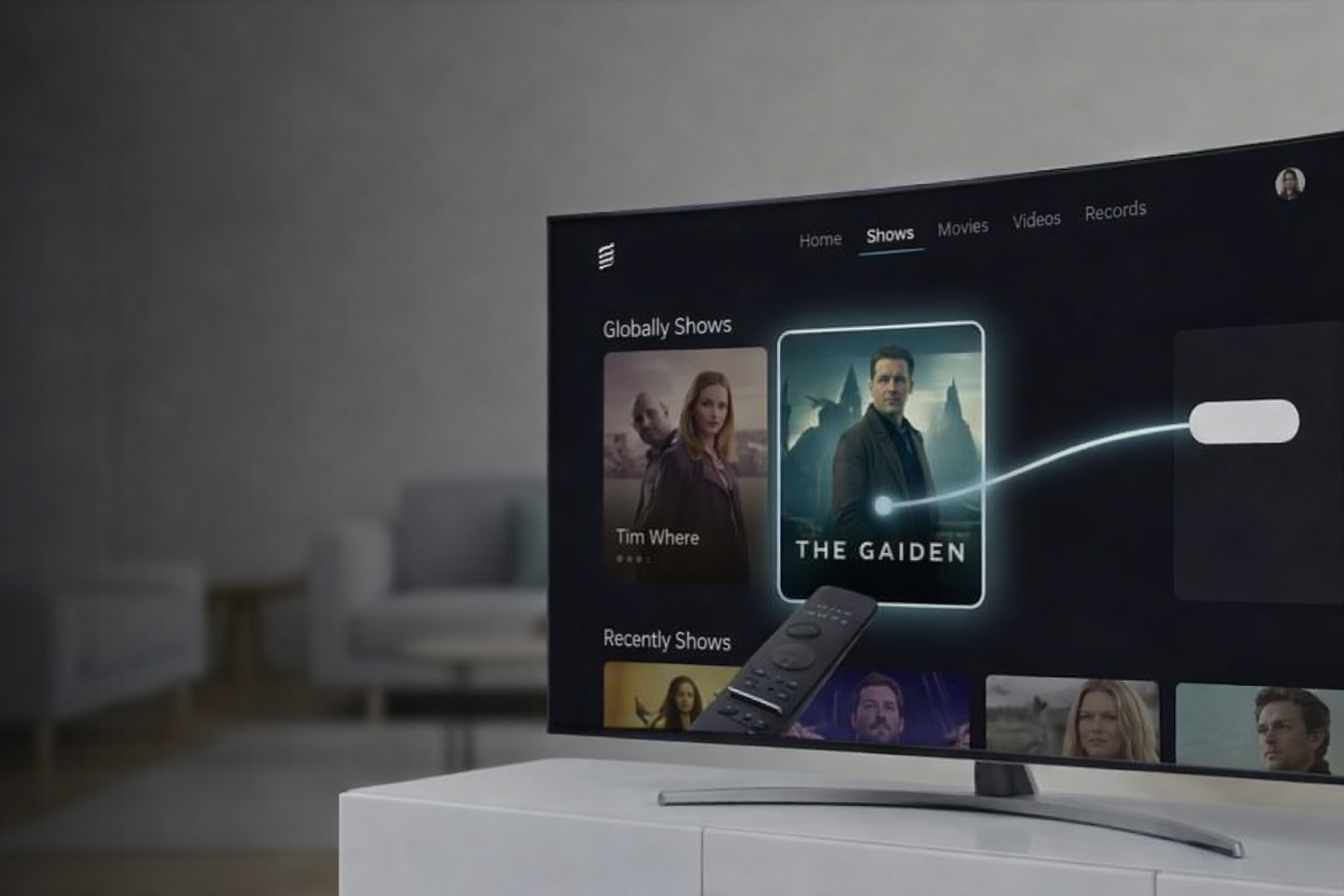
Faster Content Discovery
Users find shows quicker with
clearer hierarchy.
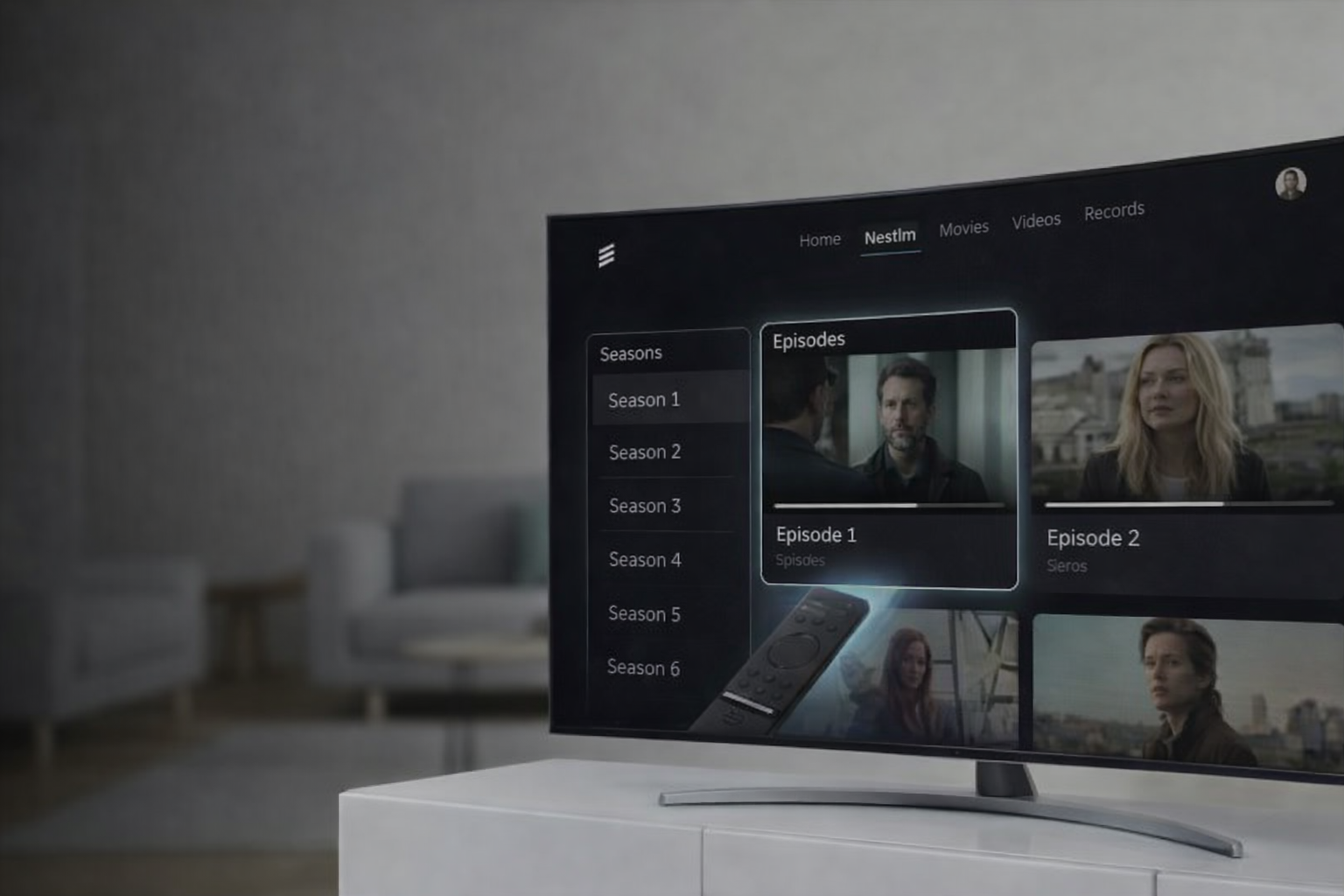
Reduced Navigation
Confusion Series and Episodes are now clearly distinguished.
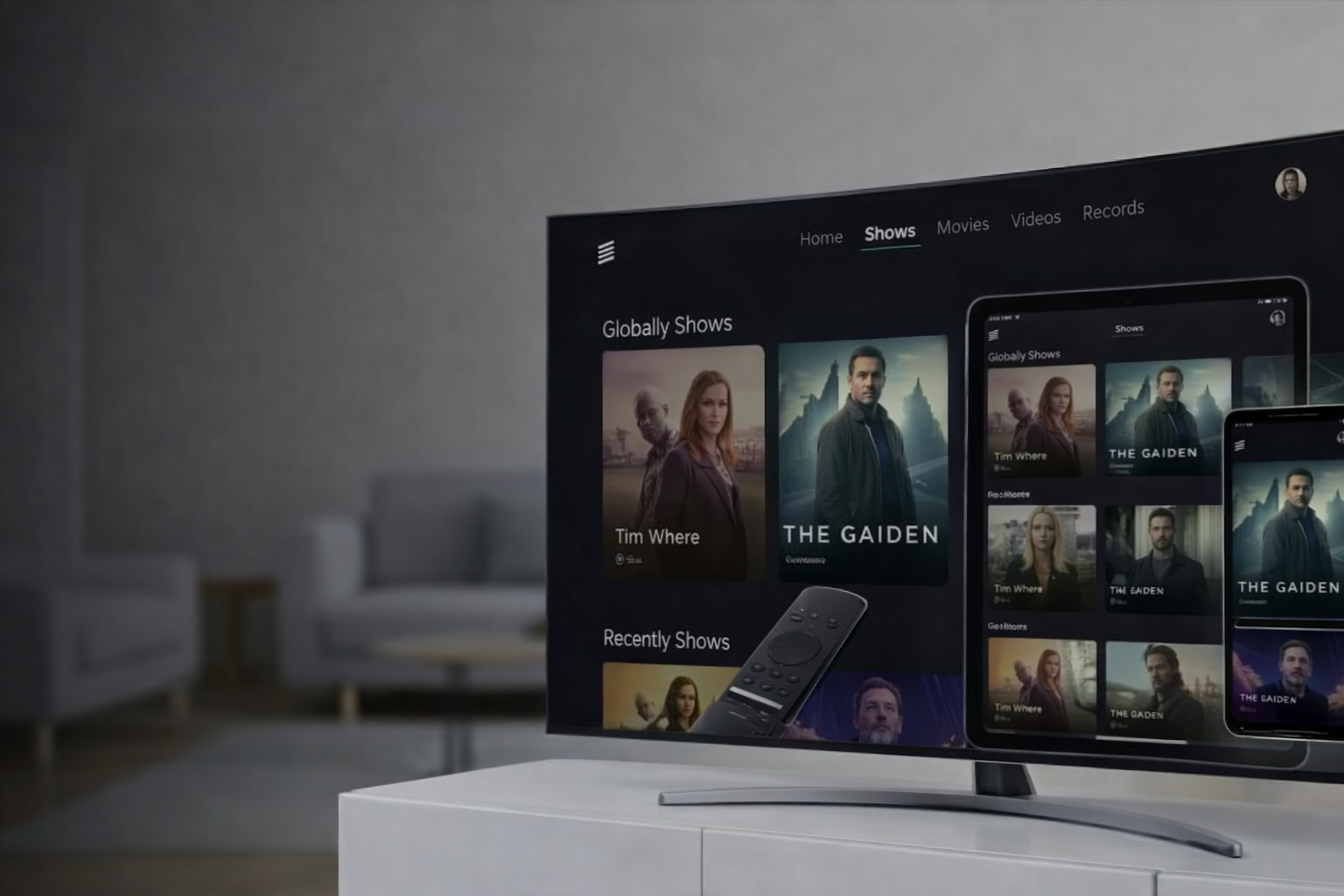
Multi-Device Platform
Consistent UX across TV, tablet, and mobile.
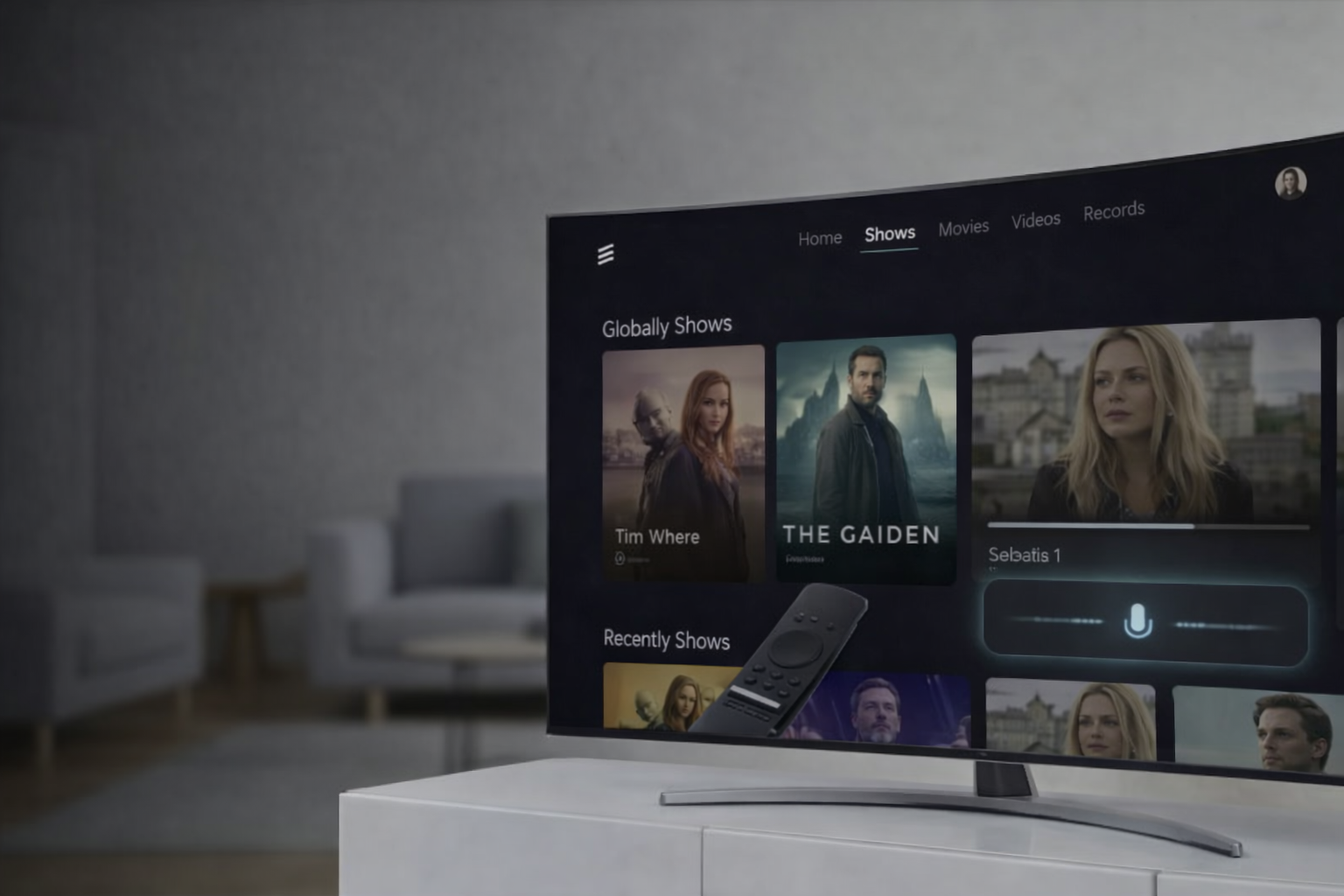
Voice Content Search
Hands-free discovery via voice and smart home devices.
Final Cross-Device Experience
The redesign enhances content discovery and streamlines navigation across the TV platform. A scalable, responsive framework delivers a unified experience across TV, tablet, and mobile.
It also helped position MediaFirst as a modern cloud-based multiscreen platform, enabling service providers to compete more effectively with Over-The-Top Streaming (OTT) experiences.